Distribution Center
Group orders for efficient delivery, plan trips with map-based logistics, run the order planner, and track drivers through my-trips — built for distributors and field delivery teams.
Smart Business Workflows
This module includes guided smart business workflows — multi-step runs with clear stages, review before commit, and audit-friendly history built for how your teams actually work.
Order Planner
3 planning steps
Order Planner answers “what should we sell to whom this cycle?” in a smart business workflow workspace — no pivot grids. Select customers and products, assign quantities and dates per line, review the plan, then generate sales orders in one confirmation so inside sales stops retyping the same basket.
Why teams use it
- Turn recurring allocation patterns into many sales orders in one confirm
- Focused step workspace without module chrome — fewer distractions
- Templates and customer/product selection on step one for repeat cycles
- Review step catches zero quantities and date gaps before orders exist
- Same step-bar pattern as bulk payments and purchase replenishment
Logistics Planner
3 route steps
Logistics Planner plans delivery routes, not standard stock issues. Choose sales orders, vehicles, and drivers; build trips with stop order and per-stop dates; validate customer coordinates and driving-time limits; then finalize to materialize delivery trips dispatch can track on the road.
Why teams use it
- Smart stop ordering with nearest-neighbor heuristic per vehicle and day
- Blocks impossible plans — missing GPS, excessive same-day distance, over-long drive hours
- Split trip dates by city when one vehicle serves many locations
- Finalize creates one delivery trip per vehicle × day for trips tracking
- Step-three grouping by vehicle then trip day matches how dispatchers think
Overview
Distribution Center is for companies that deliver their own goods. The order planner groups sales orders into efficient runs; the logistics planner assigns vehicles and routes on a map; trip management tracks each run from dispatch to completion.
Drivers use my-trips views for their assigned deliveries. Operations sees pending cards, empty runs to fill, and performance across carriers and routes — connected to sales orders and delivery management downstream.
Key Capabilities
Order planner
Batch orders by destination and capacity before you dispatch.
Logistics planner
Map-based planning with pending delivery cards to assign.
Trip registry
Create and monitor trips with status through completion.
Route visualization
See geography and stops before drivers leave the yard.
My trips
Driver-focused view of today’s assigned deliveries.
Delivery analytics
On-time and carrier performance when paired with delivery reports.
Interface Showcase
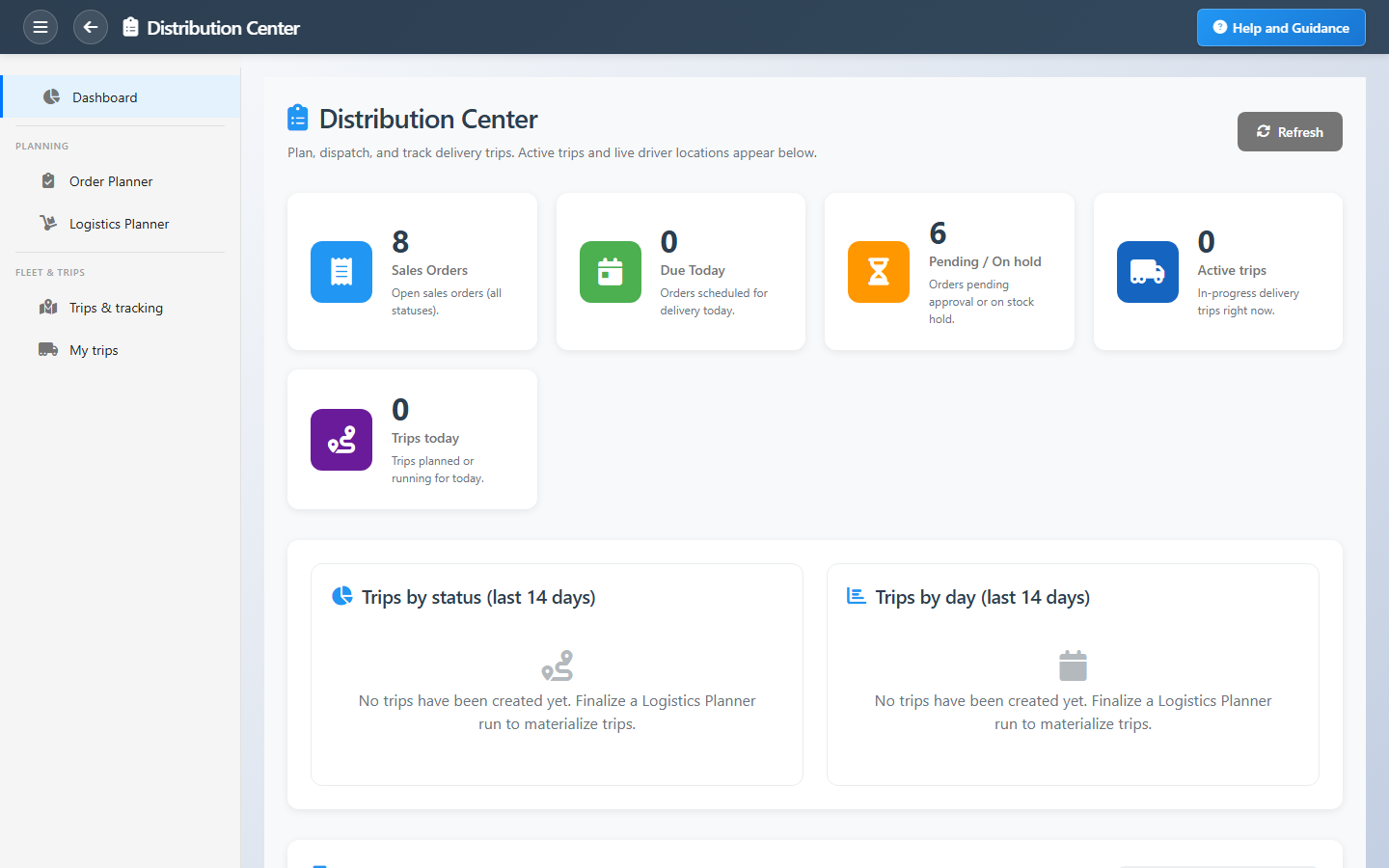
Order planner, trip lists, logistics map, and driver trip views.
Connected Modules
Sales Orders
Orders waiting to ship.
Delivery Management
Delivery orders and proof.
Inventory
Stock picked for each run.
Ready to optimize outbound logistics?
Turn a pile of open orders into planned runs your drivers can execute with fewer miles and fewer misses.