Point of Sale
Run the register with shift control, today’s sales visibility, and quick paths into transactions and reports — built for busy branches.
Overview
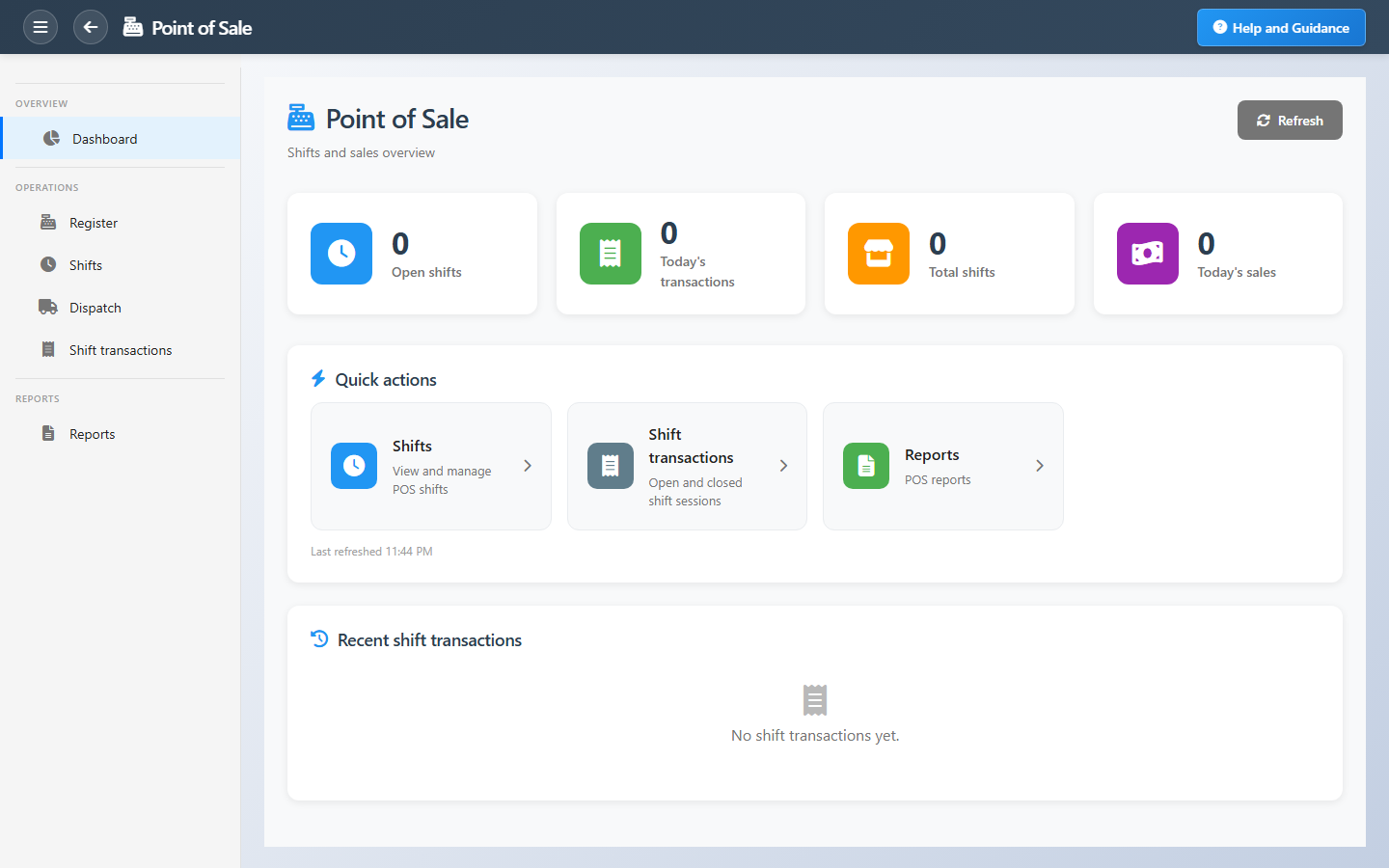
Point of Sale is the retail operations hub for cashiers and branch managers. Dashboard tiles show open shift sessions, transactions opened today, total shift records, and combined cash and card sales for the day.
Quick actions open shift definitions, shift transactions, and reports. Recent sessions list shift name, open or closed state, opening time, and sale count so supervisors can drill in without searching.
Key Capabilities
POS register
Ring sales with items, payments, and receipt flow.
Shift sessions
Open and close shifts with controlled cash accountability.
Shift transactions
Review open and closed sessions with sale totals.
Item lookup
Fast product search and scanning at the register.
Payment methods
Cash, card, and configured tender types.
Shift reports
Shift summary and period totals for reconciliation.
Task Assignment Catalog
The Task Assignment Catalog connects workflow events in this module — documents submitted or approved, thresholds crossed, lifecycle handoffs — to the people who should act next. When an event fires, PerfectoERP assigns follow-up tasks, sends in-app notifications, or both, according to each catalog entry. Teams collaborate through My Desk instead of polling lists or chasing status in email.
POS end-of-day cash variance
Task assignment + notification
A POS shift closed with a cash variance. Investigate before approving.
Default recipients
- Task → Point of Sale Manager
- Notification → Retail Management Manager
Default routing is customizable per catalog entry — add job functions or individual users, or disable tasks or notifications in Configure.
Branch stock below minimum
Notification
Branch stock fell below the minimum level. Request replenishment.
Default recipients
- Notification → Point of Sale Manager
Default routing is customizable per catalog entry — add job functions or individual users, or disable tasks or notifications in Configure.
Interface Showcase
Open shifts, today’s sales, and shortcuts to shifts, transactions, and reports.
Connected Modules
Branches Management
Branch and POS configuration.
Coupons
Discount codes at checkout.
Loyalty Program
Earn and redeem points on sales.
Ready to speed up checkout?
Close every shift on time, refresh after each close, and jump from the dashboard straight into open sessions or the register.