Packages & Offers
Define product packages, promotional offers, and discount rules — with dashboard counts and quick access to each list.
Overview
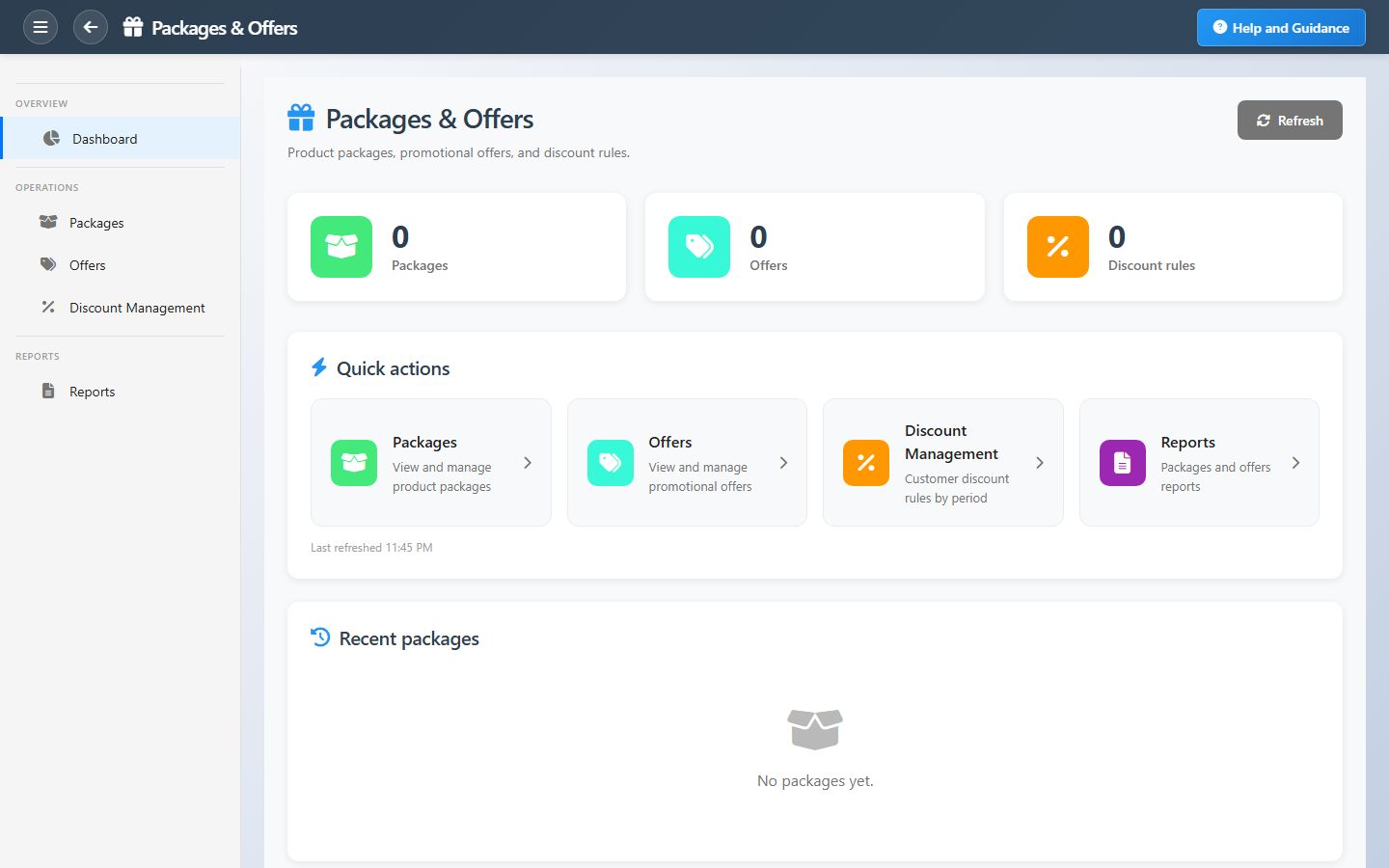
Packages & Offers is where marketing and retail administrators configure how products are bundled and promoted. The dashboard summarizes package count, active offers, and discount management rules with navigation into each area.
Packages combine items for set pricing; offers run time-bound promotions; discount management governs how reductions apply at sale time. Keep all three aligned so checkout behavior matches the campaign you designed.
Key Capabilities
Product packages
Bundle items with package pricing for POS and sales.
Promotional offers
Offers with rules and validity for retail campaigns.
Discount management
Discount rules that apply across channels.
Package detail
Line-level contents and pricing per package.
Offer windows
Start and end dates for promotional periods.
Offer reports
Summaries of packages, offers, and discount rules.
Task Assignment Catalog
The Task Assignment Catalog connects workflow events in this module — documents submitted or approved, thresholds crossed, lifecycle handoffs — to the people who should act next. When an event fires, PerfectoERP assigns follow-up tasks, sends in-app notifications, or both, according to each catalog entry. Teams collaborate through My Desk instead of polling lists or chasing status in email.
Sales offer expiring soon
Notification
A sales offer is nearing its expiry date. Renew or close with the customer.
Default recipients
- Notification → Packages & Offers Manager
Default routing is customizable per catalog entry — add job functions or individual users, or disable tasks or notifications in Configure.
Commercial offer accepted
Notification
A customer accepted a commercial offer. Convert to order or contract.
Default recipients
- Notification → Sales Manager
Default routing is customizable per catalog entry — add job functions or individual users, or disable tasks or notifications in Configure.
Interface Showcase
Package, offer, and discount rule KPIs with list shortcuts.
Connected Modules
Coupons
Coupon codes alongside offers.
Point of Sale
Where bundles ring up.
Loyalty Program
Points on promotional baskets.
Ready to launch your next promotion?
Build packages and offers before the campaign starts, then align discount rules so POS and sales apply them consistently.