Loyalty Program
Configure how customers earn points on order totals and items, and how points convert to discounts — with KPIs for each rule type.
Overview
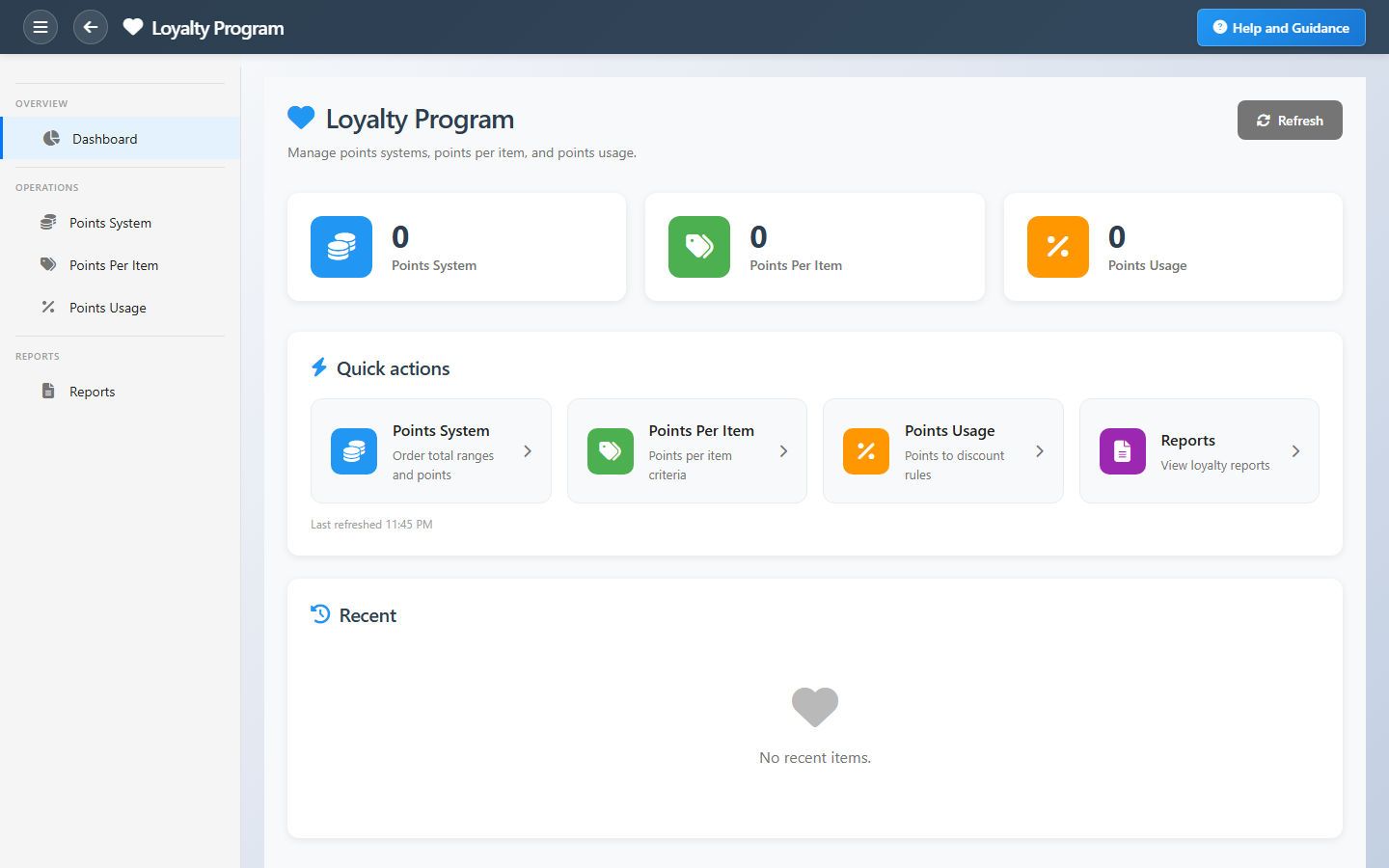
Loyalty Program is the configuration hub for customer rewards. Three counters track points-system rules (order total ranges), points-per-item rules, and points-usage rules that convert earned points into discount percentages.
Quick actions open each rule list plus reports. Recent activity lists the latest rules created across all types so administrators can verify the program before go-live.
Key Capabilities
Points system
Award points based on order total bands.
Points per item
Item-level earn rules for targeted categories.
Points usage
Convert accumulated points into checkout discounts.
Refresh KPIs
Recalculate counters after bulk rule changes.
Loyalty reports
Points summary and configuration audits.
Customer retention
Tie earn and redeem logic for a coherent program.
Task Assignment Catalog
The Task Assignment Catalog connects workflow events in this module — documents submitted or approved, thresholds crossed, lifecycle handoffs — to the people who should act next. When an event fires, PerfectoERP assigns follow-up tasks, sends in-app notifications, or both, according to each catalog entry. Teams collaborate through My Desk instead of polling lists or chasing status in email.
Customer loyalty tier changed
Notification
A customer's loyalty tier was upgraded or downgraded.
Default recipients
- Notification → Loyalty Manager
Default routing is customizable per catalog entry — add job functions or individual users, or disable tasks or notifications in Configure.
Interface Showcase
Rule-type KPIs and shortcuts to points earn and redeem configuration.
Connected Modules
Point of Sale
Earn and redeem at sale time.
Customers
Customer accounts that hold points.
Coupons
Promotions alongside loyalty.
Ready to keep customers coming back?
Align earn rules with redemption rules so the program is consistent before you launch the next campaign.