Coupons
Create and manage coupon codes with expiry tracking — active versus expired counts and a recent list for marketing teams.
Overview
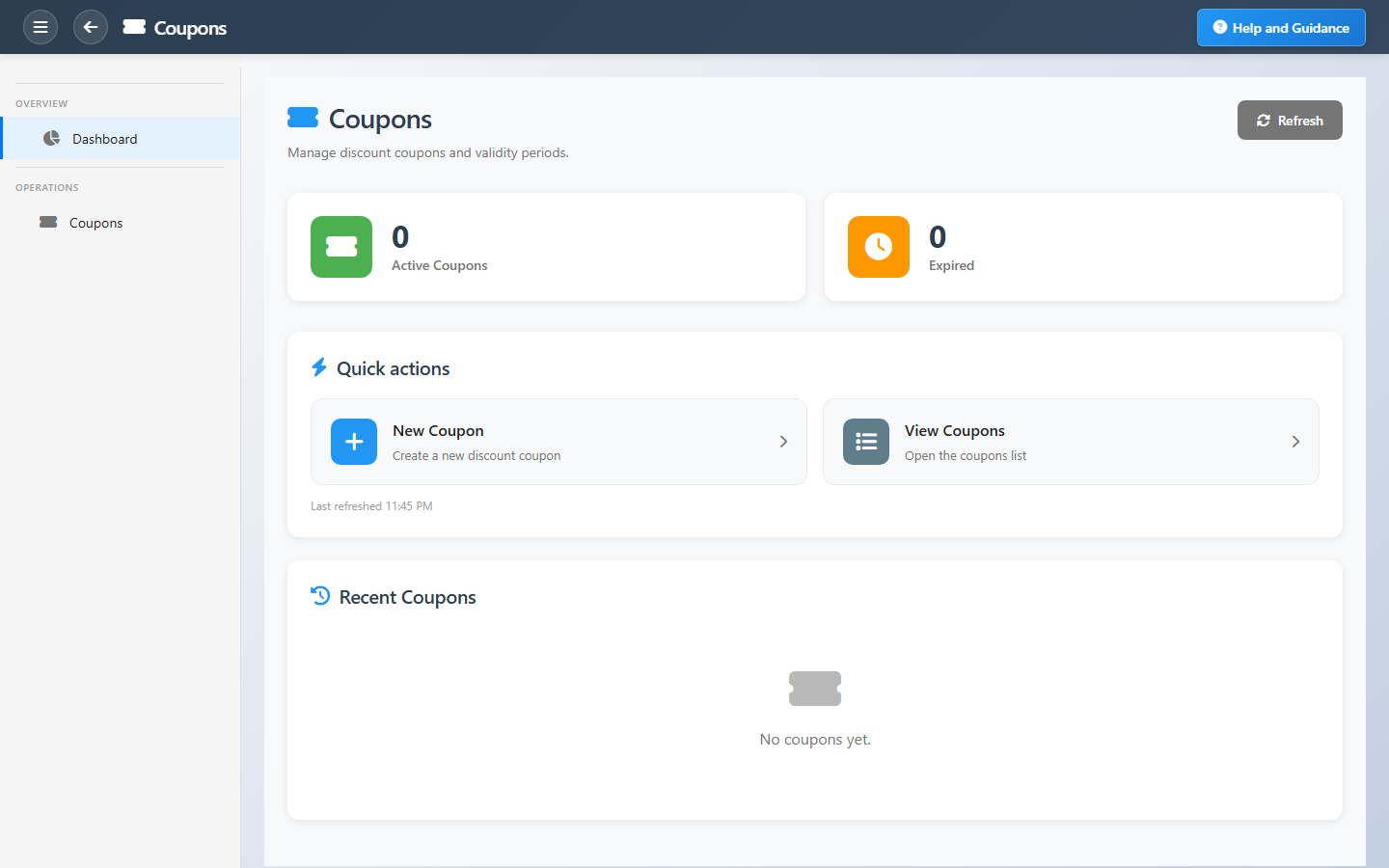
Coupons lets retail and marketing staff issue discount codes for campaigns. The dashboard splits active coupons (expiry in the future) from expired ones, with refresh after bulk changes.
Create new coupons through the wizard; the recent list shows code, discount percentage, status, and expiry so managers can reopen codes they are actively tuning.
Key Capabilities
Coupon codes
Unique codes with discount percentage and expiry.
Creation wizard
Validated setup for required coupon fields.
Expiry control
Active and expired counters for campaign hygiene.
Coupon list
Full register of codes for search and edit.
POS redemption
Apply coupons at checkout when configured.
Recent coupons
Fast return to codes you are managing now.
Task Assignment Catalog
The Task Assignment Catalog connects workflow events in this module — documents submitted or approved, thresholds crossed, lifecycle handoffs — to the people who should act next. When an event fires, PerfectoERP assigns follow-up tasks, sends in-app notifications, or both, according to each catalog entry. Teams collaborate through My Desk instead of polling lists or chasing status in email.
Retail coupon expiring soon
Notification
A retail coupon or promotion is nearing its expiry date.
Default recipients
- Notification → Coupons Manager
Default routing is customizable per catalog entry — add job functions or individual users, or disable tasks or notifications in Configure.
Interface Showcase
Active and expired counts with new coupon and list shortcuts.
Connected Modules
Packages & Offers
Bundles and broader promotions.
Point of Sale
Redeem at the register.
Loyalty Program
Stack with loyalty rules carefully.
Ready to run disciplined promotions?
Issue coupons through the wizard so validation rules are enforced, and retire expired codes to keep the list clean.