Site Management
Register project sites, capture daily labor check-ins and site reports, and pay temporary site labor — with costs tied back to the parent project.
Smart Business Workflows
This module includes guided smart business workflows — multi-step runs with clear stages, review before commit, and audit-friendly history built for how your teams actually work.
Site Report
6 guided steps
Site Report is the site engineer’s daily smart business workflow: set project, site, and date; check crew in and out; record task progress and expenses; capture materials, services, and equipment usage; review subcontractor roll-ups; then post and finalize to lock the day for costing and progress billing evidence.
Why teams use it
- Six steps top to bottom — context, attendance, tasks, usage, subcontractors, review
- New opens today’s report straight into the stepper with minimal typing
- Bulk attendance check-in/out with calculated hours and labor cost
- Materials, services, and equipment on one usage step with sub-tabs
- Finalize after post locks the day for audit and downstream project costing
Overview
Site Management connects physical locations to project accounting. Register sites under each project, record who was on site each day, and document progress and issues in formal site reports.
Temporary labor payments settle casual or site-based workers from approved check-ins or agreements. Dashboards and labor-by-site reports give project managers and cost controllers evidence for progress billing and payroll review.
Key Capabilities
Site registry
Unique site codes per project for unambiguous field tracking.
Daily site reports
Capture progress and issues; finalize reports to lock the day.
Labor check-ins
Record who worked on site as evidence for pay and costing.
Temporary labor pay
Pay site labor through controlled payment documents.
Site dashboards
Coverage, hours, and cost summaries across your footprint.
Project linkage
Every site and report rolls up to the parent project.
Task Assignment Catalog
The Task Assignment Catalog connects workflow events in this module — documents submitted or approved, thresholds crossed, lifecycle handoffs — to the people who should act next. When an event fires, PerfectoERP assigns follow-up tasks, sends in-app notifications, or both, according to each catalog entry. Teams collaborate through My Desk instead of polling lists or chasing status in email.
Daily site report submitted
Task assignment + notification
A daily site report was submitted. Review labor, progress, and issues.
Default recipients
- Task → Site Manager
- Notification → Construction Manager
Default routing is customizable per catalog entry — add job functions or individual users, or disable tasks or notifications in Configure.
Site report approved
Task assignment + notification
A site report was fully approved.
Default recipients
- Task → Site Manager
- Notification → Project Manager
Default routing is customizable per catalog entry — add job functions or individual users, or disable tasks or notifications in Configure.
Interface Showcase
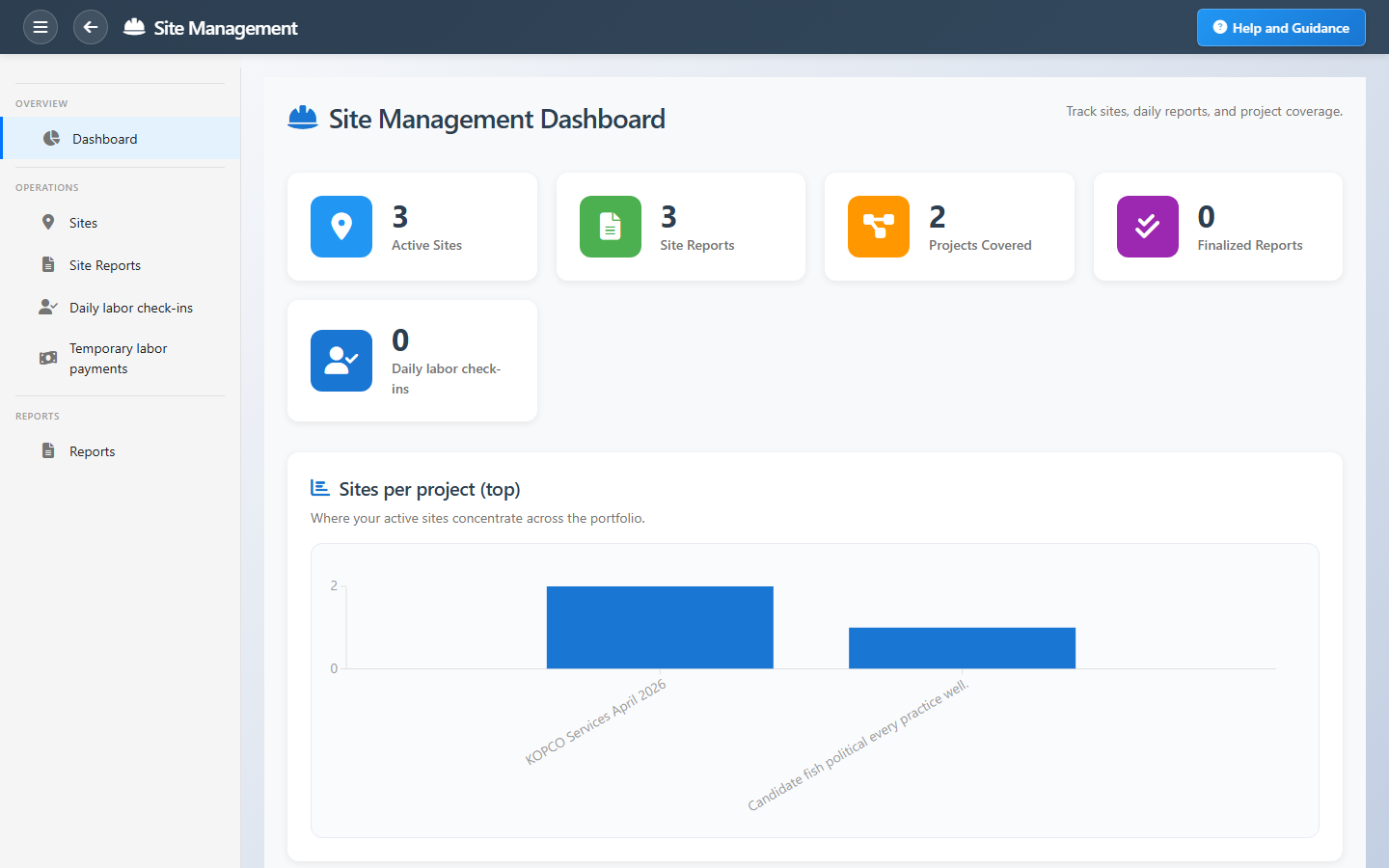
Sites, daily reports, labor check-ins, and temporary payment shortcuts.
Connected Modules
Projects
Parent project for each site.
Progress Billing
Bill customer work supported by site evidence.
Payroll
Permanent staff hours from HR attendance.
Ready to see what happens on site?
Finalize daily reports on a rhythm so dashboards, labor evidence, and payments stay aligned.