Quality Control
Define inspection sets, run shop-floor inspections against work orders, and track compliance with a live queue and posted results.
Overview
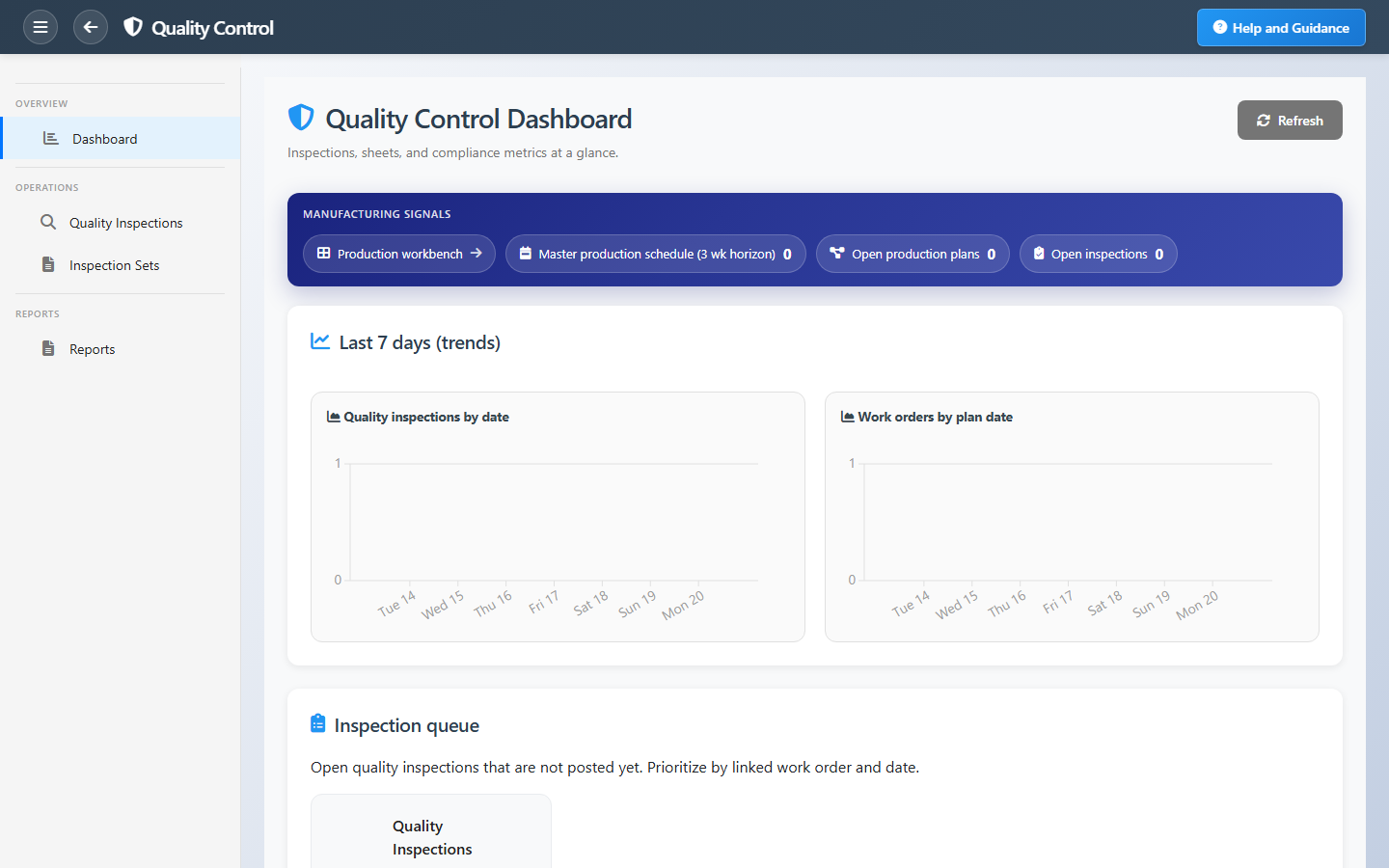
Quality Control gives inspectors a starting point for every shift. Dashboard tiles show completed inspections, defined inspection sets, pending issues awaiting post or approval, and compliance rate as a percentage of posted results.
The shop-floor queue links straight into the inspection list. Create inspections from templates, record measurements and defects, and post results so production and supervisors share one quality record tied to work orders.
Key Capabilities
Quality inspections
Run and post inspections with results, defects, and sign-off.
Inspection sets
Reusable templates of measurement items for consistent checks.
Shop-floor queue
Prioritized list of inspections waiting on the floor.
Compliance rate
Posted share of inspections for management review.
Seven-day trends
New inspections charted alongside work order activity.
Quality reports
First-pass yield, status mix, and inspection trends.
Task Assignment Catalog
The Task Assignment Catalog connects workflow events in this module — documents submitted or approved, thresholds crossed, lifecycle handoffs — to the people who should act next. When an event fires, PerfectoERP assigns follow-up tasks, sends in-app notifications, or both, according to each catalog entry. Teams collaborate through My Desk instead of polling lists or chasing status in email.
Quality inspection failed — disposition needed
Task assignment + notification
A quality inspection failed. Review non-conformance and decide rework, scrap, or hold.
Default recipients
- Task → Quality Control Manager
- Notification → Production Manager
Default routing is customizable per catalog entry — add job functions or individual users, or disable tasks or notifications in Configure.
Quality inspection submitted
Task assignment + notification
A quality inspection was submitted for review.
Default recipients
- Task → Quality Control Clerk
- Notification → Quality Control Manager
Default routing is customizable per catalog entry — add job functions or individual users, or disable tasks or notifications in Configure.
Quality inspection passed
Notification
A quality inspection completed with acceptable results.
Default recipients
- Notification → Quality Control Manager
Default routing is customizable per catalog entry — add job functions or individual users, or disable tasks or notifications in Configure.
Interface Showcase
Inspection KPIs, shop-floor queue, and shortcuts to new inspections and sets.
Connected Modules
Production Control
Orders inspections relate to.
Production Lines
Line context for floor quality.
Planning
Plan quality into the schedule.
Ready to catch issues before shipment?
Build reusable inspection sets, work the shop-floor queue daily, and watch compliance rate before pending issues pile up.