Production Control
Work orders, bills of material, and production reporting in one navigation — with a live overview of active jobs, open report sessions, and line activity.
Overview
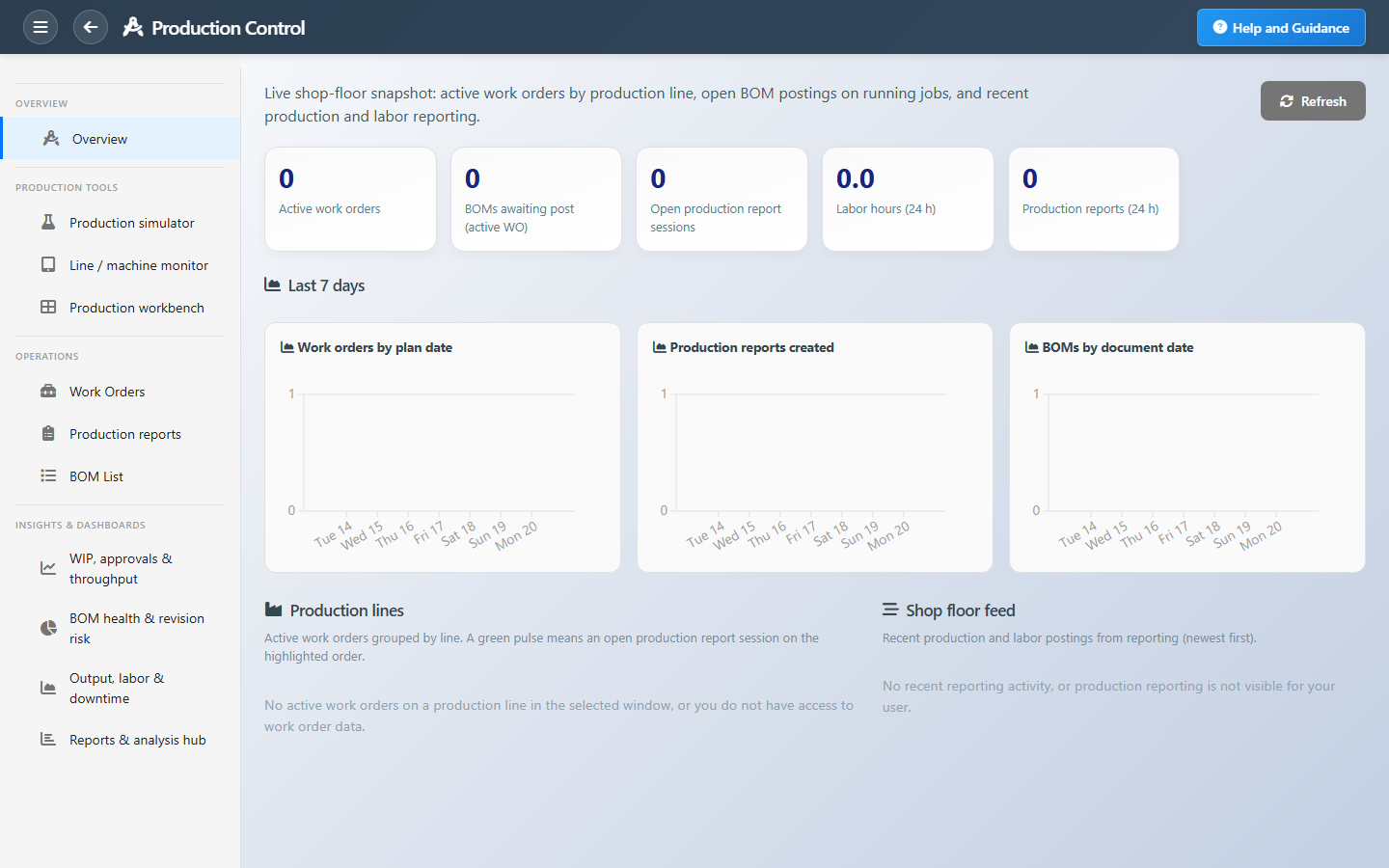
Production Control is the unified manufacturing shell. The overview dashboard shows active and late work orders, BOMs awaiting post, open production report sessions, and labor in the last twenty-four hours — plus seven-day trends and a shop-floor feed of recent activity.
Production lines group active orders so supervisors see what is running on each line, including open report sessions. Optional tools include the production workbench (cross-area KPIs), a what-if simulator, and a tablet-friendly line and machine monitor for start, pause, and finish.
Key Capabilities
Shop-floor overview
KPI strip, trends, line cards, and a merged activity feed.
Work orders
Create, release, and track orders with material issues and finishing.
Bill of materials
Multi-level BOM with versioning tied to work-order flows.
Production reporting
Record output, labor, and downtime on the shop floor.
Production workbench
Cross-module cockpit with links to lists and the schedule board.
Reports hub
One entry point to work-order, BOM, and labor report catalogs.
Task Assignment Catalog
The Task Assignment Catalog connects workflow events in this module — documents submitted or approved, thresholds crossed, lifecycle handoffs — to the people who should act next. When an event fires, PerfectoERP assigns follow-up tasks, sends in-app notifications, or both, according to each catalog entry. Teams collaborate through My Desk instead of polling lists or chasing status in email.
Bill of materials approved
Task assignment + notification
A bill of materials was approved and is effective for planning and production.
Default recipients
- Task → Production Manager
- Notification → Planning Manager
Default routing is customizable per catalog entry — add job functions or individual users, or disable tasks or notifications in Configure.
Work order submitted
Task assignment + notification
A work order was submitted for approval or release.
Default recipients
- Task → Work Orders Manager
- Notification → Production Manager
Default routing is customizable per catalog entry — add job functions or individual users, or disable tasks or notifications in Configure.
Work order approved — release to floor
Task assignment + notification
A work order was approved. Release materials and labor to the shop floor.
Default recipients
- Task → Production Manager
- Notification → Plant Manager
Default routing is customizable per catalog entry — add job functions or individual users, or disable tasks or notifications in Configure.
Work order behind schedule
Notification
A work order is behind its scheduled finish date.
Default recipients
- Notification → Plant Manager
Default routing is customizable per catalog entry — add job functions or individual users, or disable tasks or notifications in Configure.
Work order completed on the shop floor
Notification
A work order reached completed status. Review output, costs, and next operations.
Default recipients
- Notification → Production Manager
Default routing is customizable per catalog entry — add job functions or individual users, or disable tasks or notifications in Configure.
BOM missing material — purchase request needed
Task assignment + notification
An Unfulfilled Purchase Request was created for materials missing on a work order BOM. Review the planning line and proceed with RFQ or purchase request.
Default recipients
- Task → Purchasing Manager
- Notification → Planning Manager
Default routing is customizable per catalog entry — add job functions or individual users, or disable tasks or notifications in Configure.
Interface Showcase
Live floor KPIs, line cards, shop-floor feed, and integrated operations navigation.
Connected Modules
Planning
Demand and MPS before you release.
Production Lines
Lines, machines, and capacity.
Quality Control
Inspections on what you produce.
Ready to run production from one place?
See late orders and open report sessions before they stall the floor, then drill into work orders without hopping between modules.