Products
Define items with SKUs, units, categories, pricing, bills of material for manufacturing, and rich attributes — the master every warehouse and sales line references.
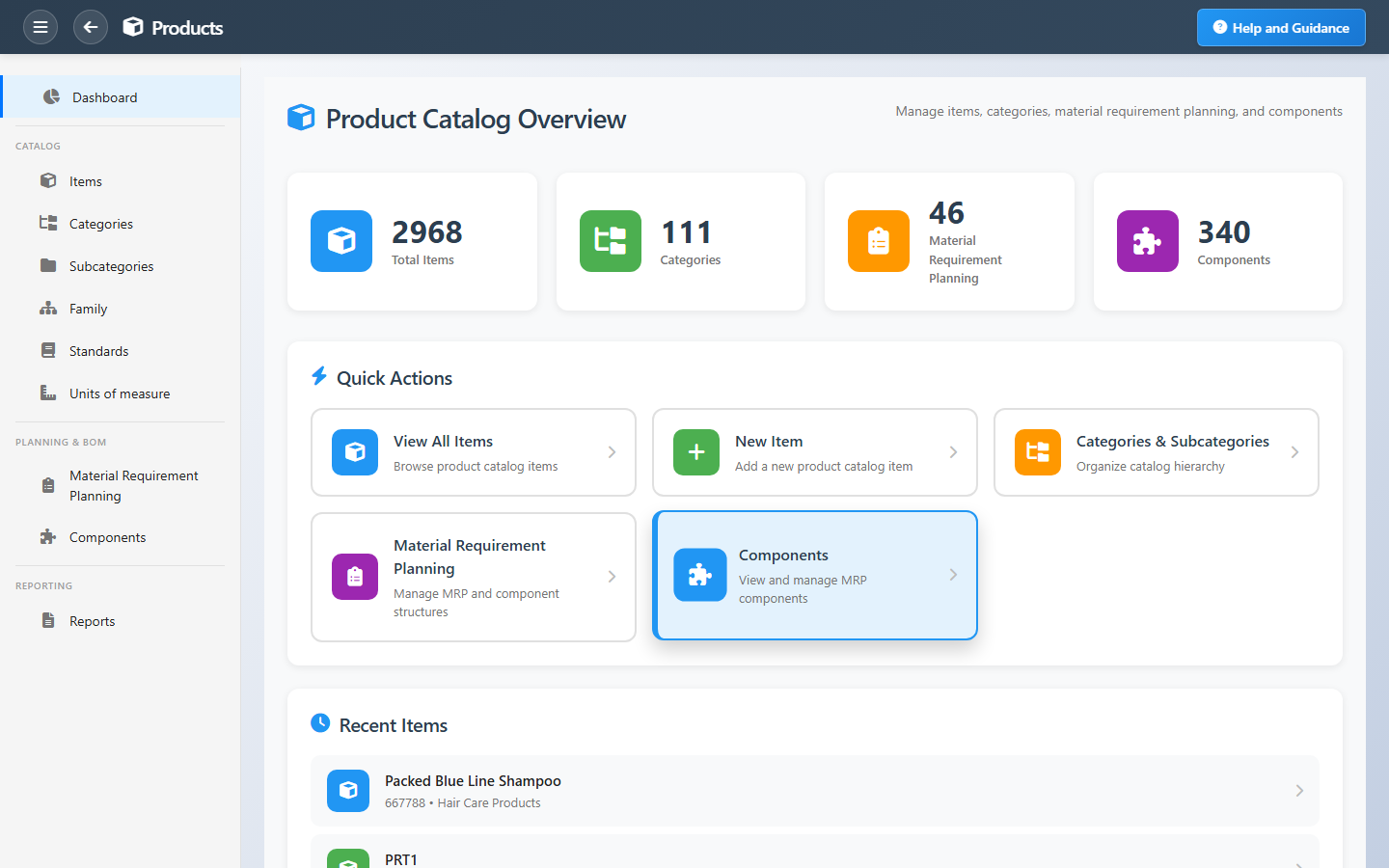
Overview
Products is the item master behind every stock row and order line. Define identifiers, descriptions, categories, units of measure with conversions, and multiple price lists for different channels or customers.
Manufacturing items can carry BOM and planning data. Media and specifications help sales and warehouse staff pick the right product. Strong master data here prevents costly mistakes downstream.
Key Capabilities
Item definitions
SKUs, descriptions, and attributes your teams search on.
Units of measure
Buy, stock, and sell in different units with automatic conversion.
Categories
Hierarchical grouping with inherited attributes and reporting.
Price lists
Multiple lists and discounts for segments or channels.
Manufacturing data
BOM and MRP links when you run production.
Media & specs
Images and technical data on the item card.
Task Assignment Catalog
The Task Assignment Catalog connects workflow events in this module — documents submitted or approved, thresholds crossed, lifecycle handoffs — to the people who should act next. When an event fires, PerfectoERP assigns follow-up tasks, sends in-app notifications, or both, according to each catalog entry. Teams collaborate through My Desk instead of polling lists or chasing status in email.
Batch expiry approaching
Task assignment + notification
A batch or lot is approaching its expiry date. Plan consumption or disposal.
Default recipients
- Task → Warehouse Supervisor
- Notification → Inventory Manager
Default routing is customizable per catalog entry — add job functions or individual users, or disable tasks or notifications in Configure.
Interface Showcase
Item register, categories, pricing, and manufacturing links.
Connected Modules
Inventory
Stock held per item.
Sales Orders
Items on customer orders.
Purchasing
Items you buy from vendors.
Ready for one catalog everyone shares?
Keep item data clean so purchasing, inventory, sales, and production all speak the same product language.