Recruitment
Manage job requisitions, candidates, interviews, and position requests — with pipeline charts and hiring runs tied to approved headcount.
Smart Business Workflows
This module includes guided smart business workflows — multi-step runs with clear stages, review before commit, and audit-friendly history built for how your teams actually work.
Job Recruitment Process
8 recruitment steps
The Job Recruitment Process is an eight-step hiring run tied to one approved, posted position request. Qualification measures are defined on the request and shown read-only in step one; HR progresses candidates through scoring, interviews, and selection inside the same guided web stepper.
Why teams use it
- Anchored to authorized headcount — no orphan hiring against open reqs
- Measure lines and scoring criteria reused from the position request
- Eight steps keep HR, hiring manager, and compliance on one visible path
- Web-native stepper replaces scattered spreadsheets for active searches
- Clean handoff to employee database when a candidate is hired
Overview
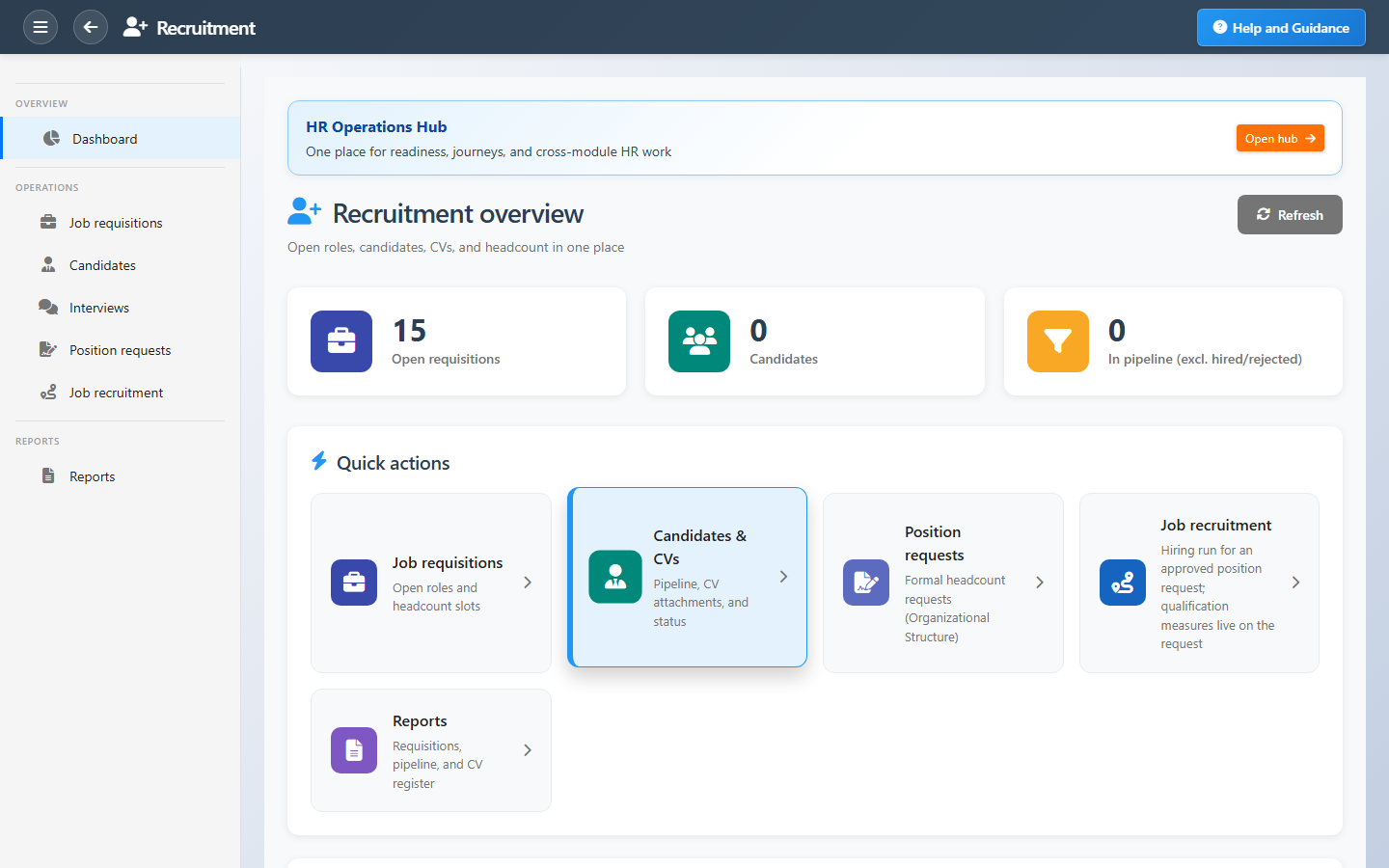
Recruitment keeps hiring organized. Open job requisitions with department and headcount, add candidates with CVs, move them through statuses, and schedule interviews — all visible on a dashboard that shows pipeline mix and recent activity.
Position requests from organizational structure feed formal headcount approval. Job recruitment runs guide recruiters through an approved posting from first candidate to hire, ready for the employee database.
Key Capabilities
Job requisitions
Open roles with status, department, and candidate counts.
Candidate pipeline
Track applicants from first contact to hired or rejected.
CV register
Store and retrieve candidate documents alongside their record.
Interviews
Plan and record interview activity as candidates progress.
Position requests
Formal headcount requests linked to org structure approvals.
Pipeline analytics
Status charts and reports for time-to-hire and source quality.
Task Assignment Catalog
The Task Assignment Catalog connects workflow events in this module — documents submitted or approved, thresholds crossed, lifecycle handoffs — to the people who should act next. When an event fires, PerfectoERP assigns follow-up tasks, sends in-app notifications, or both, according to each catalog entry. Teams collaborate through My Desk instead of polling lists or chasing status in email.
Position request submitted
Task assignment + notification
A position request was submitted for approval to open a hiring requisition.
Default recipients
- Task → Recruitment Manager
- Notification → HR Manager
Default routing is customizable per catalog entry — add job functions or individual users, or disable tasks or notifications in Configure.
Recruitment candidate hired
Notification
A recruitment candidate was marked hired. Complete onboarding tasks.
Default recipients
- Notification → Recruitment Manager
Default routing is customizable per catalog entry — add job functions or individual users, or disable tasks or notifications in Configure.
Interface Showcase
Open requisitions, candidate pipeline mix, and quick paths to hiring work.
Connected Modules
HR Operations Hub
Hiring signals on the HR cockpit.
Organizational Structure
Position requests and job titles.
Employee Database
Onboard the candidate you hire.
Ready to hire with a clear pipeline?
Track every candidate stage, close requisitions when filled, and hand off winners to onboarding.