Incentives & Deductions
Record one-off or recurring incentives and deductions, configure rules in administration, and let approved amounts flow into the next payroll run automatically.
Overview
Incentives and deductions capture pay elements outside the standard template — performance bonuses, allowances, loan-related deductions, and other adjustments tied to specific employees or periods.
Rules configured in administration keep recurring logic consistent. Transactions appear on the payroll run when approved, with registers and reports for HR and finance to reconcile.
Key Capabilities
Incentive entries
Record bonuses and allowances with effective dates and amounts.
Deduction entries
Capture withholdings and recoveries that reduce net pay.
Business rules
Central rule setup so recurring items follow policy automatically.
Payroll handoff
Approved lines appear on the next run without duplicate entry.
Employee history
Full trail of incentives and deductions per person.
Registers & reports
Summaries by period, type, and employee for audit.
Task Assignment Catalog
The Task Assignment Catalog connects workflow events in this module — documents submitted or approved, thresholds crossed, lifecycle handoffs — to the people who should act next. When an event fires, PerfectoERP assigns follow-up tasks, sends in-app notifications, or both, according to each catalog entry. Teams collaborate through My Desk instead of polling lists or chasing status in email.
Incentive submitted for approval
Task assignment + notification
An incentive document was submitted for approval. Review eligibility and amounts before approving.
Default recipients
- Task → Incentives & Deductions Manager
- Notification → Payroll Manager
Default routing is customizable per catalog entry — add job functions or individual users, or disable tasks or notifications in Configure.
Incentive approved — pending payment
Notification
An incentive was approved and is pending payment through payroll or finance.
Default recipients
- Notification → Pay Incentive (Finance)
Default routing is customizable per catalog entry — add job functions or individual users, or disable tasks or notifications in Configure.
Incentive approved
Notification
An incentive or allowance for you was fully approved.
Default recipients
- Notification → Employee linked on the document
Default routing is customizable per catalog entry — add job functions or individual users, or disable tasks or notifications in Configure.
Interface Showcase
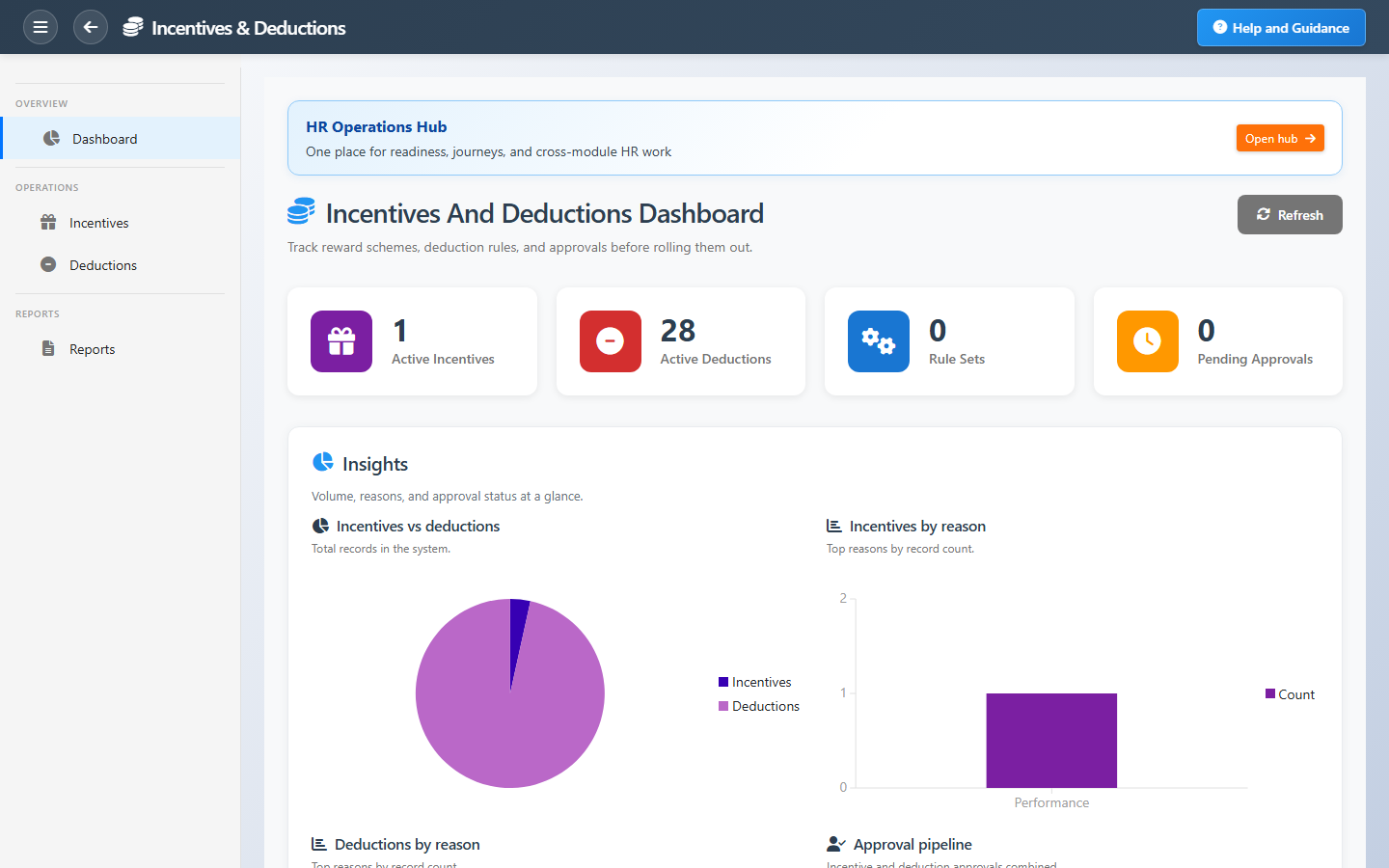
Quick metrics and shortcuts to incentives, deductions, rules, and reports.
Connected Modules
Payroll
Where approved amounts land.
Employee Database
Employees receiving each entry.
HR Operations Hub
Readiness before pay close.
Ready to reward and adjust with control?
Keep bonuses and deductions policy-driven so payroll officers do not re-key amounts every month.