Invoicing
Raise customer invoices from sales, record vendor bills from purchasing, and handle credit notes, debit notes, and returns — all feeding receivables, payables, and the ledger.
Overview
Invoicing is the billing heart of PerfectoERP. Turn delivered sales into customer invoices, capture vendor bills from your suppliers, and issue credit or debit notes when amounts need to change — without rewriting history.
Return invoices link back to the original bill so balances and tax stay correct. Everything flows into accounts receivable or accounts payable and posts to the general ledger when you are ready.
Key Capabilities
Customer invoices
Bill from invoiced or partially invoiced sales orders — amounts and lines carry over accurately.
Vendor invoices
Record supplier bills and match them to purchasing activity for clean payables.
Credit notes
Reduce a customer or vendor balance or process refunds with a proper audit trail.
Debit notes
Add charges or corrections when the original invoice was too low.
Return invoices
Handle goods returned by customers or to vendors with linked adjustments.
Invoicing reports
Summaries by customer, vendor, period, and document type for month-end review.
Task Assignment Catalog
The Task Assignment Catalog connects workflow events in this module — documents submitted or approved, thresholds crossed, lifecycle handoffs — to the people who should act next. When an event fires, PerfectoERP assigns follow-up tasks, sends in-app notifications, or both, according to each catalog entry. Teams collaborate through My Desk instead of polling lists or chasing status in email.
E-invoice submission failed
Task assignment + notification
An e-invoice could not be submitted to the tax authority. Review errors and resubmit.
Default recipients
- Task → Invoicing Manager
- Notification → AR Invoicing
Default routing is customizable per catalog entry — add job functions or individual users, or disable tasks or notifications in Configure.
Purchase invoice submitted
Task assignment + notification
A purchase invoice was submitted for approval or three-way match review.
Default recipients
- Task → AP Invoicing
- Notification → Accounts Payable Manager
Default routing is customizable per catalog entry — add job functions or individual users, or disable tasks or notifications in Configure.
Purchase invoice approved
Task assignment + notification
A purchase invoice was fully approved for posting or payment.
Default recipients
- Task → Accounts Payable Manager
- Notification → AP Invoicing
Default routing is customizable per catalog entry — add job functions or individual users, or disable tasks or notifications in Configure.
E-invoice submitted successfully
Notification
An e-invoice was accepted by the tax authority.
Default recipients
- Notification → Invoicing Manager
Default routing is customizable per catalog entry — add job functions or individual users, or disable tasks or notifications in Configure.
Interface Showcase
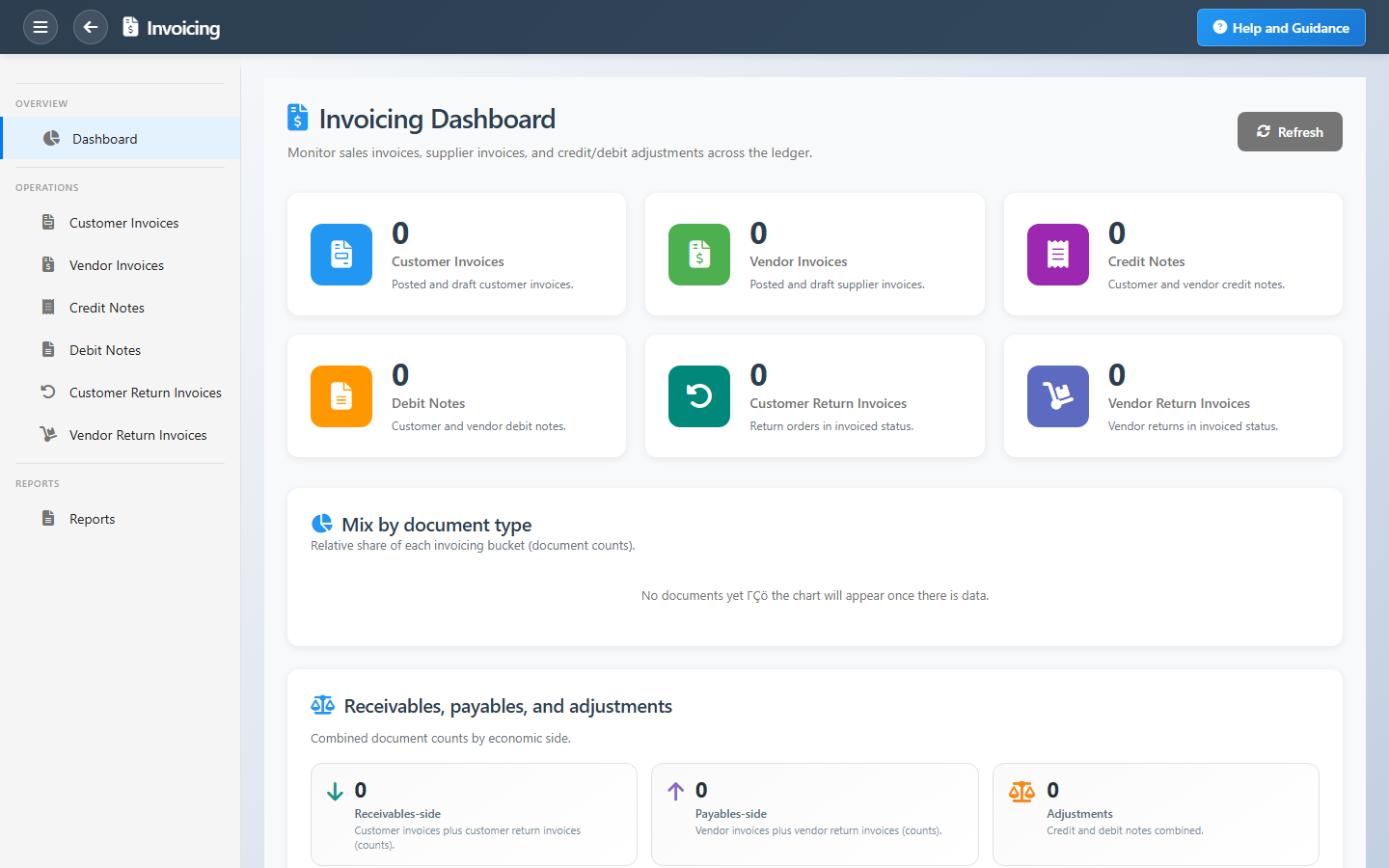
Customer and vendor invoicing, adjustment notes, and reporting in one workspace.
Connected Modules
Accounts Receivable
Collect what customers owe you.
Accounts Payable
Pay vendor invoices on time.
Sales Orders
Source orders for customer billing.
Ready to streamline billing?
Invoice from fulfilled orders, adjust with proper credit and debit notes, and keep AR and AP balances accurate.