Fixed Assets
Track equipment, vehicles, and property — with depreciation, maintenance schedules, rentals, work orders, and trip logs for fleet operations.
Overview
Fixed Assets is more than a depreciation schedule. Register each asset with type, location, custodian, and purchase details — then schedule maintenance, log vehicle trips, issue work orders for repairs, and record rentals when you lease equipment out.
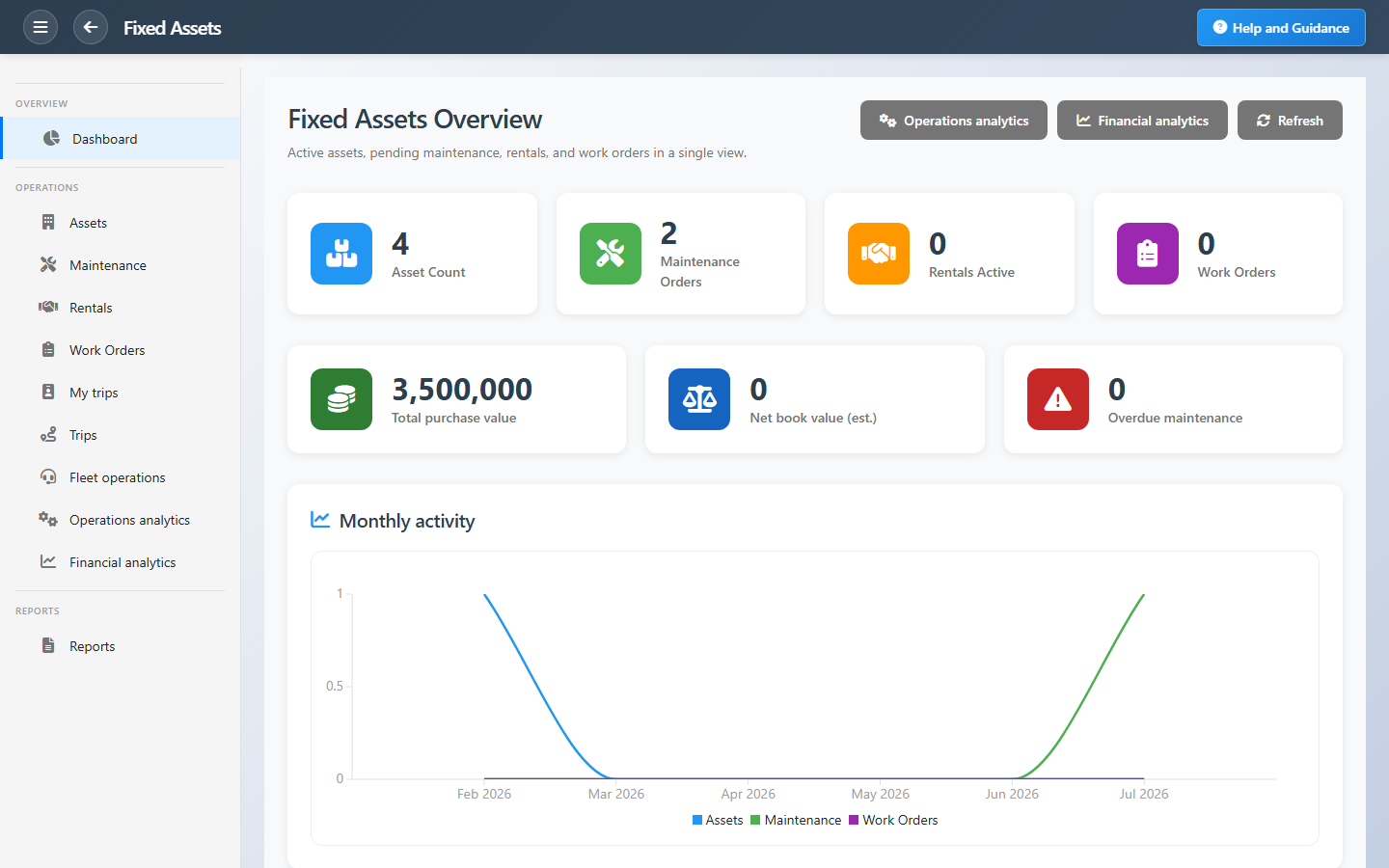
Financial and operations dashboards show purchase value, estimated net book value, overdue maintenance, and open work orders. Depreciation runs as part of period close so your balance sheet stays current.
Key Capabilities
Asset register
Complete profiles with barcode, custodian, location, and lifecycle status.
Depreciation
Multiple methods per asset with automatic posting at period close.
Maintenance planning
Schedule service and see overdue maintenance before equipment fails.
Fleet & trips
Log vehicle usage and mileage for operational and cost tracking.
Work orders
Create repair or task orders tied to specific assets.
Rentals
Manage rental agreements and revenue when you lease assets to others.
Task Assignment Catalog
The Task Assignment Catalog connects workflow events in this module — documents submitted or approved, thresholds crossed, lifecycle handoffs — to the people who should act next. When an event fires, PerfectoERP assigns follow-up tasks, sends in-app notifications, or both, according to each catalog entry. Teams collaborate through My Desk instead of polling lists or chasing status in email.
Monthly depreciation run due
Task assignment + notification
The monthly fixed-asset depreciation run is due. Post depreciation journals.
Default recipients
- Task → Fixed Assets Manager
- Notification → GL Administrator
Default routing is customizable per catalog entry — add job functions or individual users, or disable tasks or notifications in Configure.
Scheduled asset maintenance due
Task assignment + notification
Scheduled asset maintenance is due. Assign a technician and record completion.
Default recipients
- Task → Maintenance Supervisor
- Notification → Fixed Assets Manager
Default routing is customizable per catalog entry — add job functions or individual users, or disable tasks or notifications in Configure.
Asset work order approved
Task assignment + notification
An asset work order was approved. Execute maintenance or repair.
Default recipients
- Task → Fixed Assets – Work orders
- Notification → Maintenance Supervisor
Default routing is customizable per catalog entry — add job functions or individual users, or disable tasks or notifications in Configure.
Fixed asset disposal work order submitted
Task assignment + notification
A fixed-asset disposal or retirement work order was submitted for approval.
Default recipients
- Task → Fixed Assets Manager
- Notification → CFO
Default routing is customizable per catalog entry — add job functions or individual users, or disable tasks or notifications in Configure.
Interface Showcase
Asset counts, book value estimates, maintenance alerts, and quick registration actions.
Connected Modules
General Ledger
Depreciation and disposal entries.
Cost Control
Allocate asset costs to departments.
Projects
Equipment assigned to project sites.
Ready to control your asset register?
Know book value, custodians, and maintenance status — and let depreciation post to the ledger at period close.