Cost Control
Define cost centers, set budgets by category, distribute shared costs through allocations, and see utilization and variance before overspend hits the ledger.
Overview
Cost Control lets finance and department heads manage money by responsibility area. Create cost centers for departments, projects, or any unit that spends — attach budgets and categories, then compare actual postings against plan.
Allocations spread overhead or pool costs to the centers that should bear them. Dashboards highlight utilization, variance, and centers trending over budget so you can act before the period closes.
Key Capabilities
Cost centers
Organize spend by department, project, or custom responsibility unit.
Budget by category
Set annual or periodic budgets and track consumption in real time.
Cost allocations
Distribute shared expenses periodically or as one-time entries.
Utilization views
See how much of each budget is used and how much runway remains.
Variance alerts
Flags when a center is trending over plan — investigate before posting piles up.
Control reports
Budget summary, over-budget list, allocation by period, and trial balance by center.
Task Assignment Catalog
The Task Assignment Catalog connects workflow events in this module — documents submitted or approved, thresholds crossed, lifecycle handoffs — to the people who should act next. When an event fires, PerfectoERP assigns follow-up tasks, sends in-app notifications, or both, according to each catalog entry. Teams collaborate through My Desk instead of polling lists or chasing status in email.
Cost center budget overrun
Notification
Actual spending exceeded the cost center budget threshold.
Default recipients
- Notification → Cost Control – Full
Default routing is customizable per catalog entry — add job functions or individual users, or disable tasks or notifications in Configure.
Account budget limit reached
Notification
A journal entry was posted that reached or exceeded a budget limit on one or more accounts. Review the journal and account limits.
Default recipients
- Notification → CFO
Default routing is customizable per catalog entry — add job functions or individual users, or disable tasks or notifications in Configure.
Interface Showcase
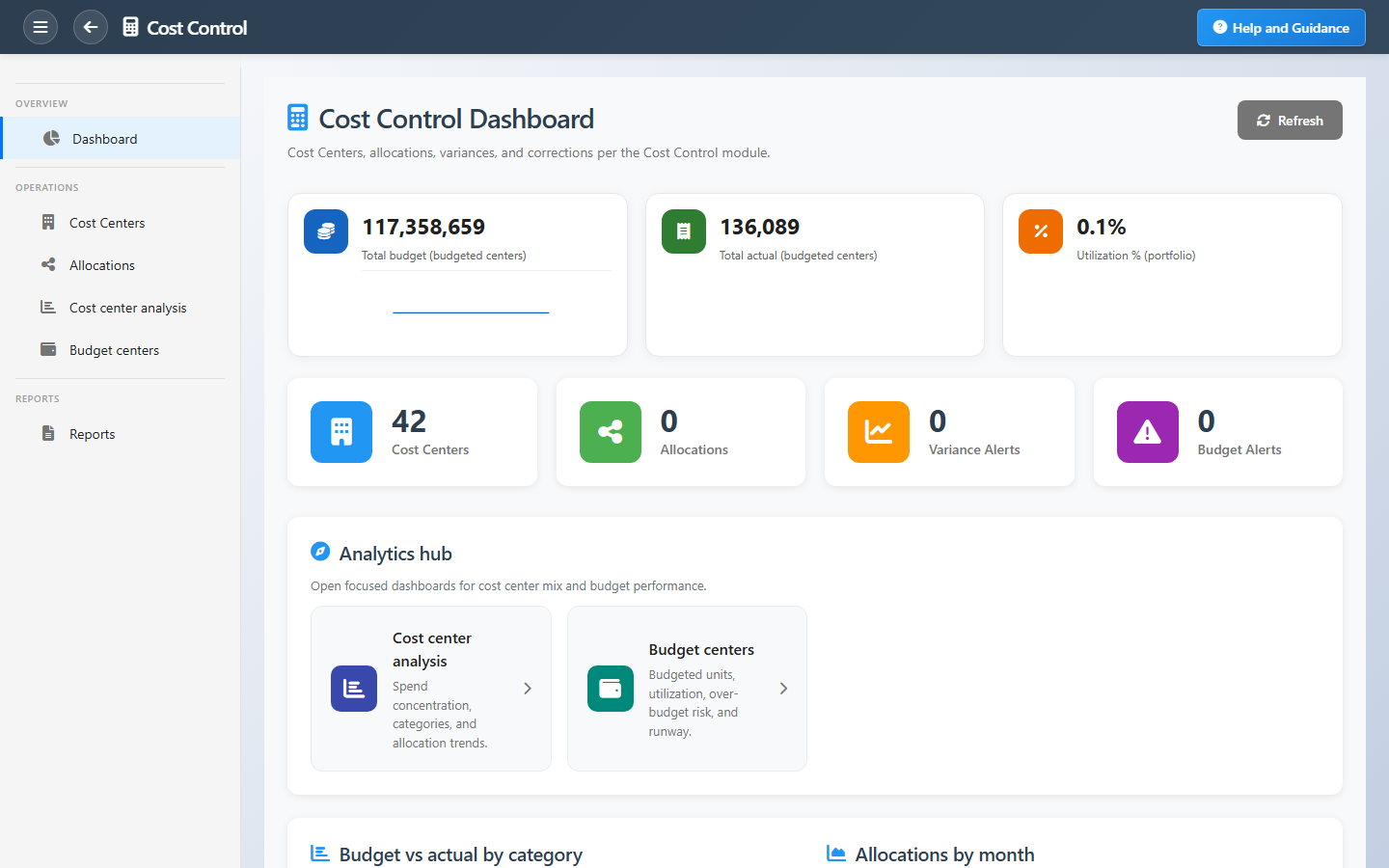
Portfolio budgets, utilization charts, allocation trends, and analytics shortcuts.
Connected Modules
General Ledger
Postings that feed actual spend.
Chart of Accounts
Accounts with budget limits.
Purchasing
Commitments checked against budget.
Ready to manage spend by department?
Give budget owners visibility into actual versus plan and stop surprises at month-end.