Chart of Accounts
Design the account tree that every invoice, payment, and journal entry flows through — with budgets, reporting flags, and a live trial balance.
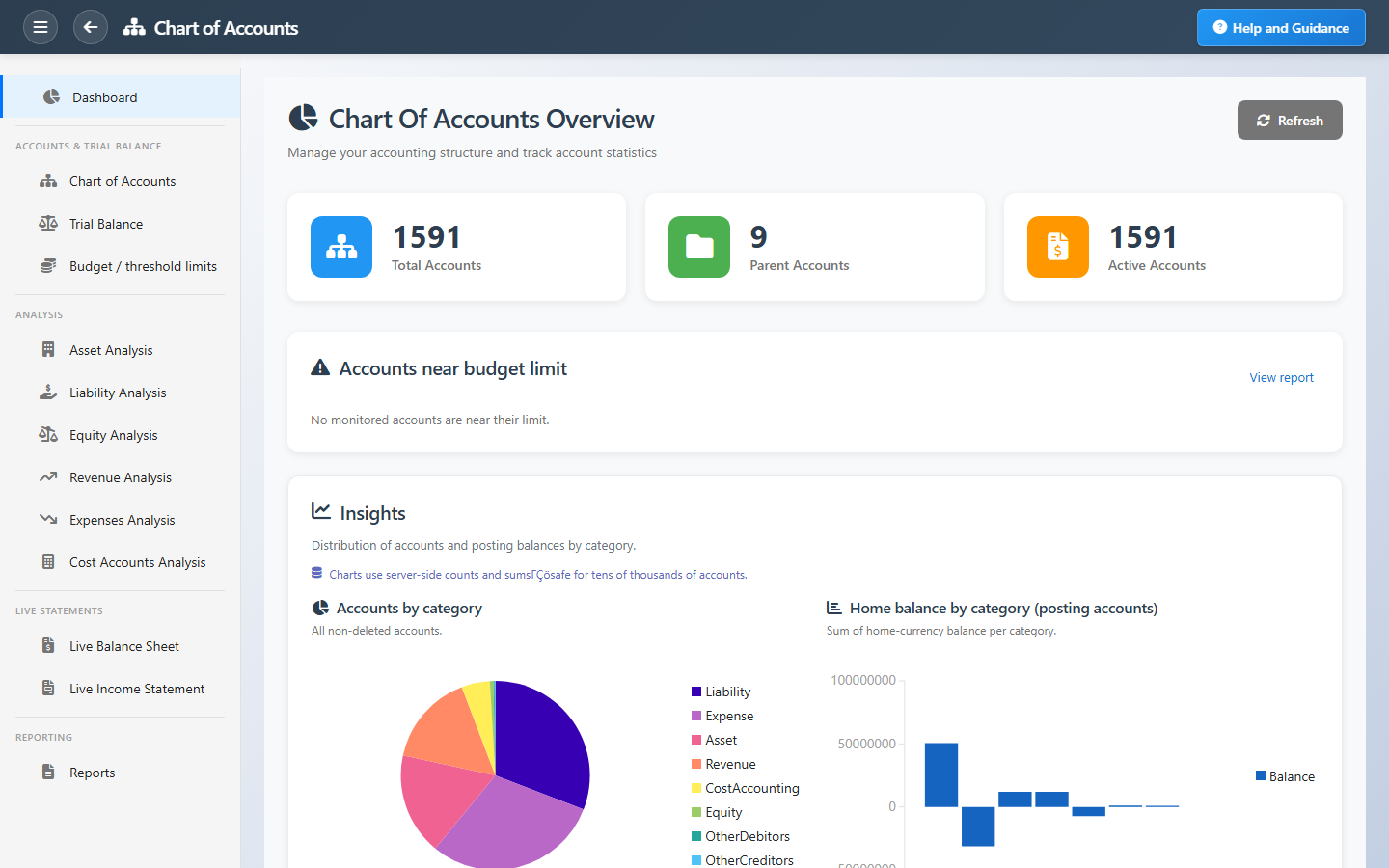
Overview
Your chart of accounts is the map of your business finances. PerfectoERP lets you build a parent–child tree of accounts, set where each account appears on the balance sheet or income statement, and apply budget ceilings before money is spent.
Every module — sales, purchasing, payroll, banking — posts through these accounts automatically. You always see current balances, drill down to the transactions behind them, and run a trial balance before you close the month.
Key Capabilities
Flexible account tree
Group accounts under parents so reports roll up naturally — assets, liabilities, revenue, expenses, and more.
Reporting flags
Choose which accounts appear on the balance sheet, income statement, and trial balance.
Budget limits
Set spending or balance ceilings per account so overspending is caught before it is posted.
Multi-currency accounts
Assign currencies where you need them and keep foreign balances visible alongside your base currency.
Balance drill-down
Open any account to see its balance and every journal line that built it.
Trial balance
Confirm debits equal credits at period end before you lock the books.
Task Assignment Catalog
The Task Assignment Catalog connects workflow events in this module — documents submitted or approved, thresholds crossed, lifecycle handoffs — to the people who should act next. When an event fires, PerfectoERP assigns follow-up tasks, sends in-app notifications, or both, according to each catalog entry. Teams collaborate through My Desk instead of polling lists or chasing status in email.
New GL account created
Notification
A new general ledger account was created manually. Review placement in the chart of accounts.
Default recipients
- Notification → Chart of Accounts Manager
Default routing is customizable per catalog entry — add job functions or individual users, or disable tasks or notifications in Configure.
Vendor insurance account auto-created
Notification
An insurance account was created automatically for a subcontractor while posting a progress bill. Review its placement in the chart of accounts.
Default recipients
- Notification → Chart of Accounts Manager
Default routing is customizable per catalog entry — add job functions or individual users, or disable tasks or notifications in Configure.
Interface Showcase
Browse your account tree, review balances, and jump to budget limits or the trial balance.
Connected Modules
General Ledger
Post and approve journal entries.
Cost Control
Track spend against departmental budgets.
Taxing
Map tax codes to the right accounts.
Ready to build a chart that scales?
Start with a clear account structure so every team posts to the right place and your statements stay trustworthy.