Sales Pipeline
Manage leads and deals on a Kanban board, auto-advance stages from quotations and visits, forecast with weighted tiers, and promote wins to customers.
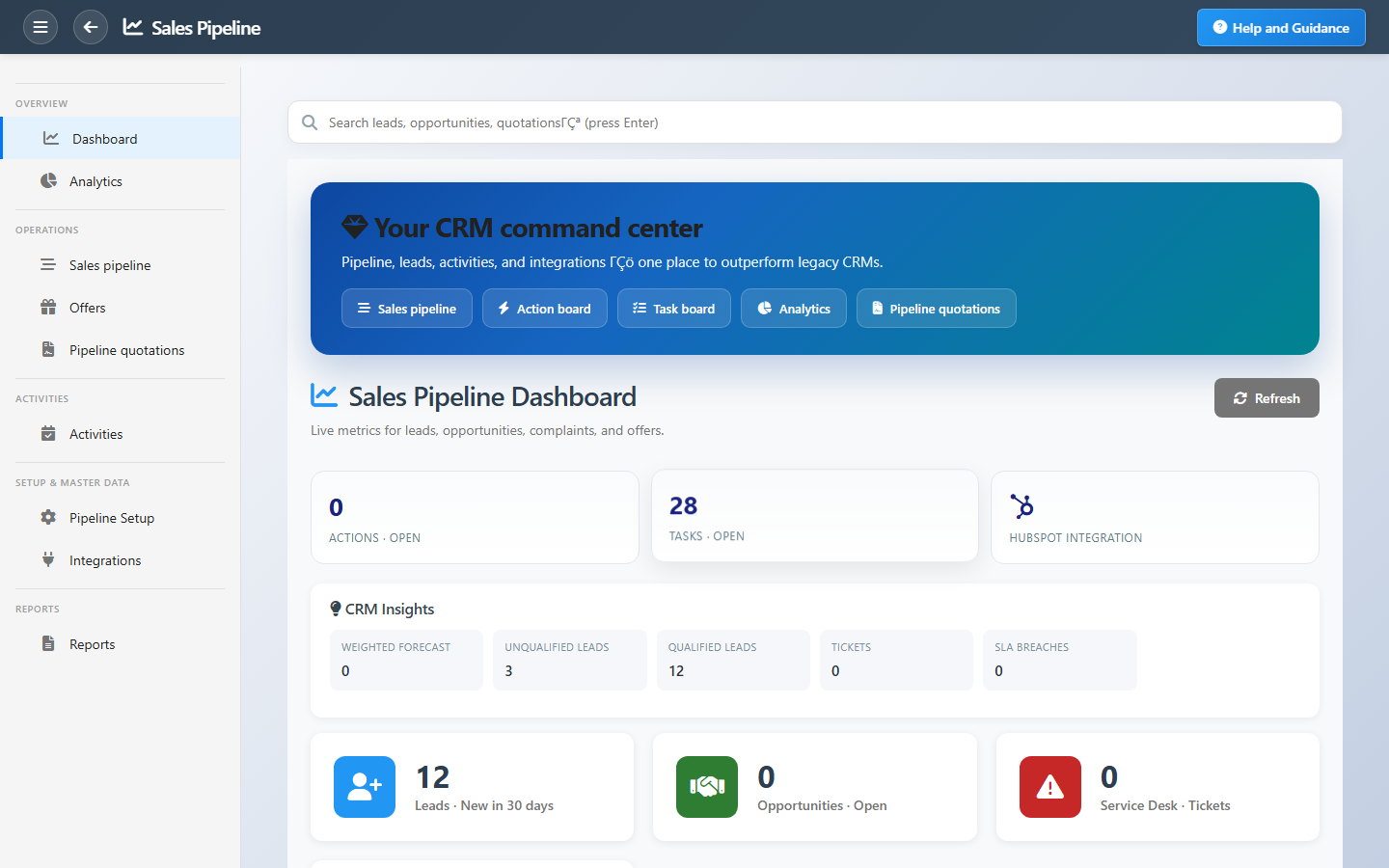
Overview
Sales Pipeline puts leads and deals on one visual board. Columns follow your configured stages; drag cards when you need manual control, or let the system advance records when you log visits, create quotations, or close wins.
Analytics show weighted forecast by tier (pipeline, best case, commit), campaign attribution on inbound leads, and deals stuck too long in a stage. Territory filters and closed-deal views keep large teams focused.
Key Capabilities
Pipeline board
Kanban view for leads and deals across your sales stages.
Automatic progression
Quotations, visits, and wins move cards without constant dragging.
Quote-to-deal
New deal flow builds a quotation and places the card on the board.
Weighted forecast
Pipeline, best case, and commit tiers for realistic revenue views.
Campaign attribution
See which marketing campaigns and UTMs feed your leads.
Promote to customer
Turn closed-won deals into active customer accounts.
Task Assignment Catalog
The Task Assignment Catalog connects workflow events in this module — documents submitted or approved, thresholds crossed, lifecycle handoffs — to the people who should act next. When an event fires, PerfectoERP assigns follow-up tasks, sends in-app notifications, or both, according to each catalog entry. Teams collaborate through My Desk instead of polling lists or chasing status in email.
New lead assigned to you
Task assignment + notification
A sales lead was assigned to you. Contact the prospect within SLA.
Default recipients
- Task → Sales Pipeline Manager
- Notification → Sales Pipeline Clerk
Default routing is customizable per catalog entry — add job functions or individual users, or disable tasks or notifications in Configure.
Lead with no recent activity
Notification
A lead has had no activity for several days. Follow up or reassign.
Default recipients
- Notification → Sales Pipeline Manager
Default routing is customizable per catalog entry — add job functions or individual users, or disable tasks or notifications in Configure.
Opportunity marked won
Notification
A sales opportunity was marked won. Hand off to delivery or projects.
Default recipients
- Notification → Sales Manager
Default routing is customizable per catalog entry — add job functions or individual users, or disable tasks or notifications in Configure.
Opportunity moved to a new pipeline stage
Task assignment + notification
An opportunity advanced or moved to another pipeline stage. Review next steps and probability.
Default recipients
- Task → Sales Pipeline Manager
- Notification → Sales Manager
Default routing is customizable per catalog entry — add job functions or individual users, or disable tasks or notifications in Configure.
CRM action overdue
Task assignment + notification
A CRM action or approach passed its due date.
Default recipients
- Task → Action Planner Manager
- Notification → Action Planner Clerk
Default routing is customizable per catalog entry — add job functions or individual users, or disable tasks or notifications in Configure.
Lead converted to opportunity
Notification
A sales lead was converted to an opportunity or customer.
Default recipients
- Notification → Sales Pipeline Manager
Default routing is customizable per catalog entry — add job functions or individual users, or disable tasks or notifications in Configure.
Interface Showcase
Pipeline board, leads, opportunities, analytics, and setup shortcuts.
Connected Modules
Customers
Accounts after you win.
Quotations
Proposals that advance deals.
Marketing Campaigns
Campaigns that generate leads.
Ready to run a pipeline you can trust?
Log every touch, let quotations move stages automatically, and review aging deals before they go cold.