Machining Orders
Track machining orders from source stock through production processes — with approvals, quantity tracking, and next/previous process navigation.
Overview
Machining Orders track material from a source stock through a sequence of production processes. Unlike pausable assembly work, machining orders advance through defined process steps with quantity required on each order.
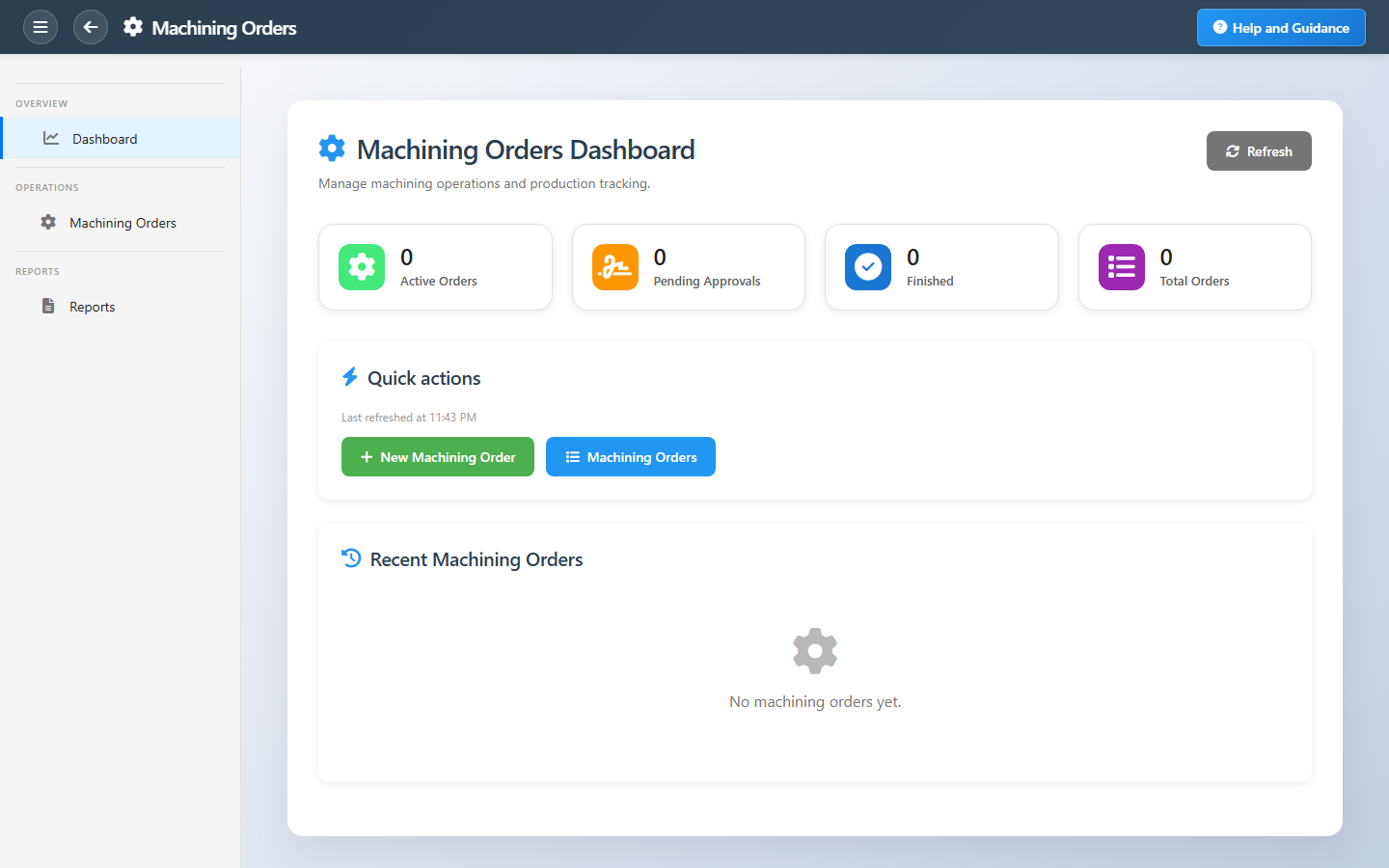
The dashboard highlights active, pending approval, and finished orders with recent activity so machine-shop supervisors know what is on each machine before opening detail.
Key Capabilities
Machining orders
Orders list with status, quantity, and process context.
Process navigation
Move orders through next and previous production processes.
Source stock
Track material from issuing stock into machining.
Approvals
Pending approval tile for orders in sign-off.
CNC integration
Generate G-code when CNC setup is licensed.
Machining reports
Registers and status summaries for the shop.
Task Assignment Catalog
The Task Assignment Catalog connects workflow events in this module — documents submitted or approved, thresholds crossed, lifecycle handoffs — to the people who should act next. When an event fires, PerfectoERP assigns follow-up tasks, sends in-app notifications, or both, according to each catalog entry. Teams collaborate through My Desk instead of polling lists or chasing status in email.
Machining order ready
Task assignment + notification
A machining order is queued and ready for the machine shop.
Default recipients
- Task → Machining Orders Manager
- Notification → Production Manager
Default routing is customizable per catalog entry — add job functions or individual users, or disable tasks or notifications in Configure.
CNC / G-code program ready
Notification
A machining or G-code program is ready for production.
Default recipients
- Notification → Production Manager
Default routing is customizable per catalog entry — add job functions or individual users, or disable tasks or notifications in Configure.
Interface Showcase
Machining KPIs, quick actions, and recent orders with quantities.
Connected Modules
CNC G-Code Generation
Templates that drive G-code output.
Assembly Orders
Assemble machined parts.
Production Control
Overall production visibility.
Ready to control the machine shop?
Clear pending approvals early and move orders through process sequences before downstream assembly waits.