
Procurement, stores, issues to sites, and subcontractor certificates—one stock truth between site and head office.
Contractor control benefits
Job cost
Site spend visible live
Billing
Progress with retention
One TB
Site and HQ same books
IVA inside PerfectoERP
Ask IVA about construction on your live screens—what a capability means, why a document is blocked, or which report explains a variance. Guidance stays inside your job functions and permissions.
Top capabilities in depth
Site materials & subcontractors map
Field consumption and sub agreements that roll into job cost.
Site material control
Issues and returns tied to projects so “miscellaneous” commitments stop hiding margin.
Subcontractor agreements
Scope and payments visible to project control—not only in a supervisor’s notebook.
Purchase linkage
Raise requisitions from site need back into purchasing on the same company.
Evidence for cost
Site reports and usage support what job cost and billing later claim.
Why contractors need connected control
Sites protect margin when material and subcontractor claims are tracked in the same system as the project budget. Informal WhatsApp quantities and email claims feel fast until the project controller cannot explain why cost jumped—or AP cannot prove what was certified. In PerfectoERP every purchase order, goods receipt, and site issue carries a project code, and every subcontractor certificate ties to the budget finance already watches.
Start with item masters for common site materials: cement, steel, finishes, consumables—whatever your sites burn regularly. Define warehouses or site stores with clear ownership. Configure purchase workflows that require project allocation so buyers cannot create “miscellaneous” commitments that never hit job cost.
If finance re-keys progress bills from Excel, you are paying for ERP twice.
Capabilities from site to billing
Project-to-cash capabilities
Win
Tender / award
Buy
Project PO
Issue
Site materials
Measure
Certificates
Bill
Progress / AR
Receiving and issuing close the loop. Goods receipts update stock and commitments. Issues to projects move valuation and job cost together. That is how inventory truth and project margin stay aligned instead of reconciling two files at month end.
Subcontractors need the same discipline. Maintain master data, contracts or work packages, measurement and certificate cycles, and payment requests that payables can approve against certified work. Payments stay linked to the project ledger—not to attachments that never entered the system.
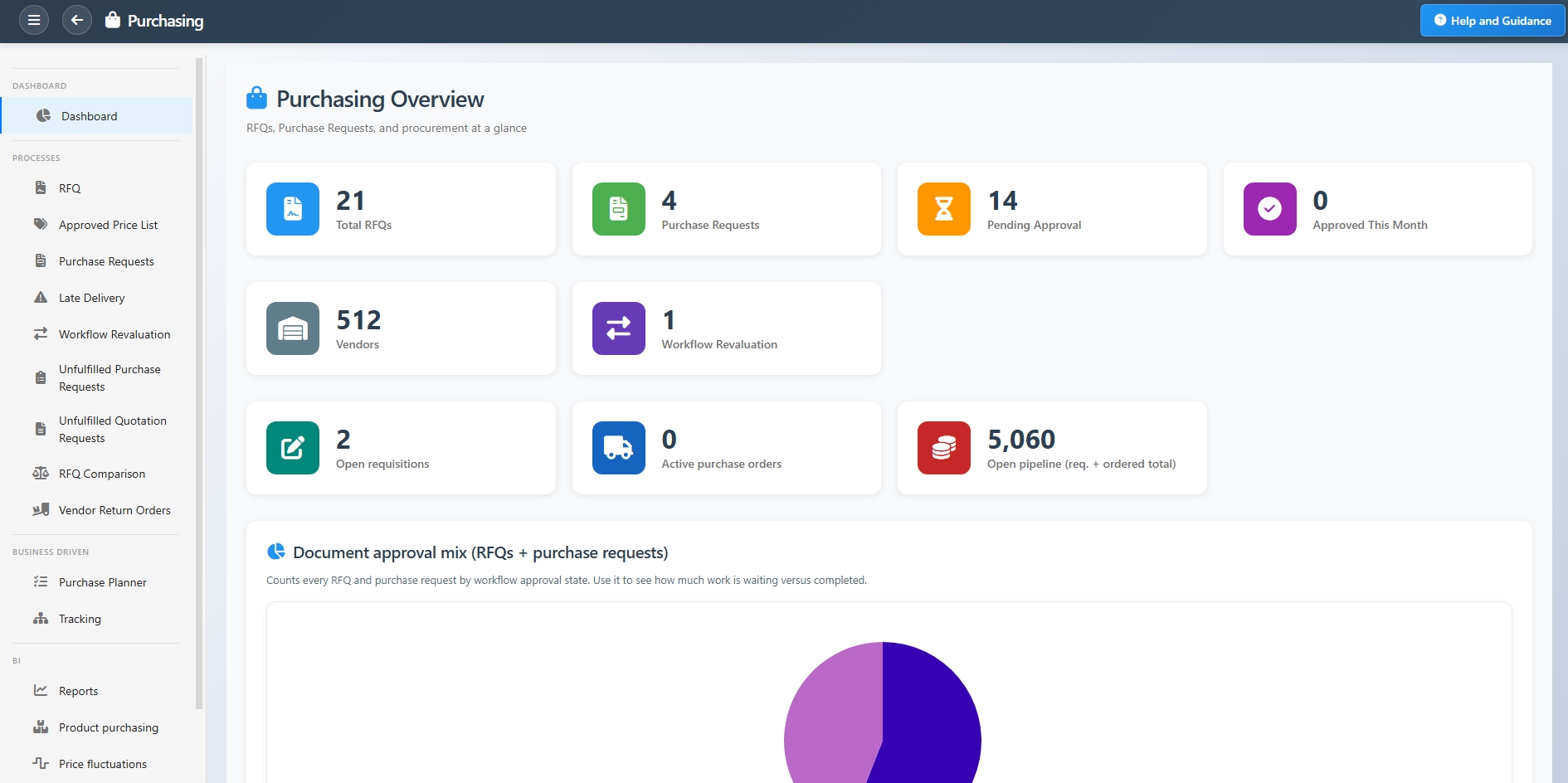
Purchasing, inventory, projects, and payables share one platform in PerfectoERP. Site storekeepers and head-office buyers see the same on-hand and in-transit picture. Project controllers see commitment versus actual before the next progress meeting—while there is still time to correct course.
Materials and subcontractor certificates that hit job cost
Challenge
Site materials left the store without project codes; subcontractor claims arrived as email PDFs outside the ledger.
Approach
Receiving, issues to site, and subcontractor certificates ran in PerfectoERP tied to the project and purchasing path.
Outcome
Job cost reflected field reality earlier—and payments linked to certified work, not attachments alone.
Margin protection in practice
Construction features that protect margin
Project codes everywhere
POs, issues, and certificates carry the same codes finance costs against.
Progress billing with retention
Client bills stay tied to prior amounts and project budget.
Materials & subcontractors on site
Receiving and certificates feed job cost—not email attachments.
Approvals and job functions keep authority clear: who can raise a purchase request, who can receive, who can issue to site, who can approve a subcontractor certificate. IVA helps new storekeepers and buyers through each screen in practice so self-implementation does not stall on unfamiliar forms.
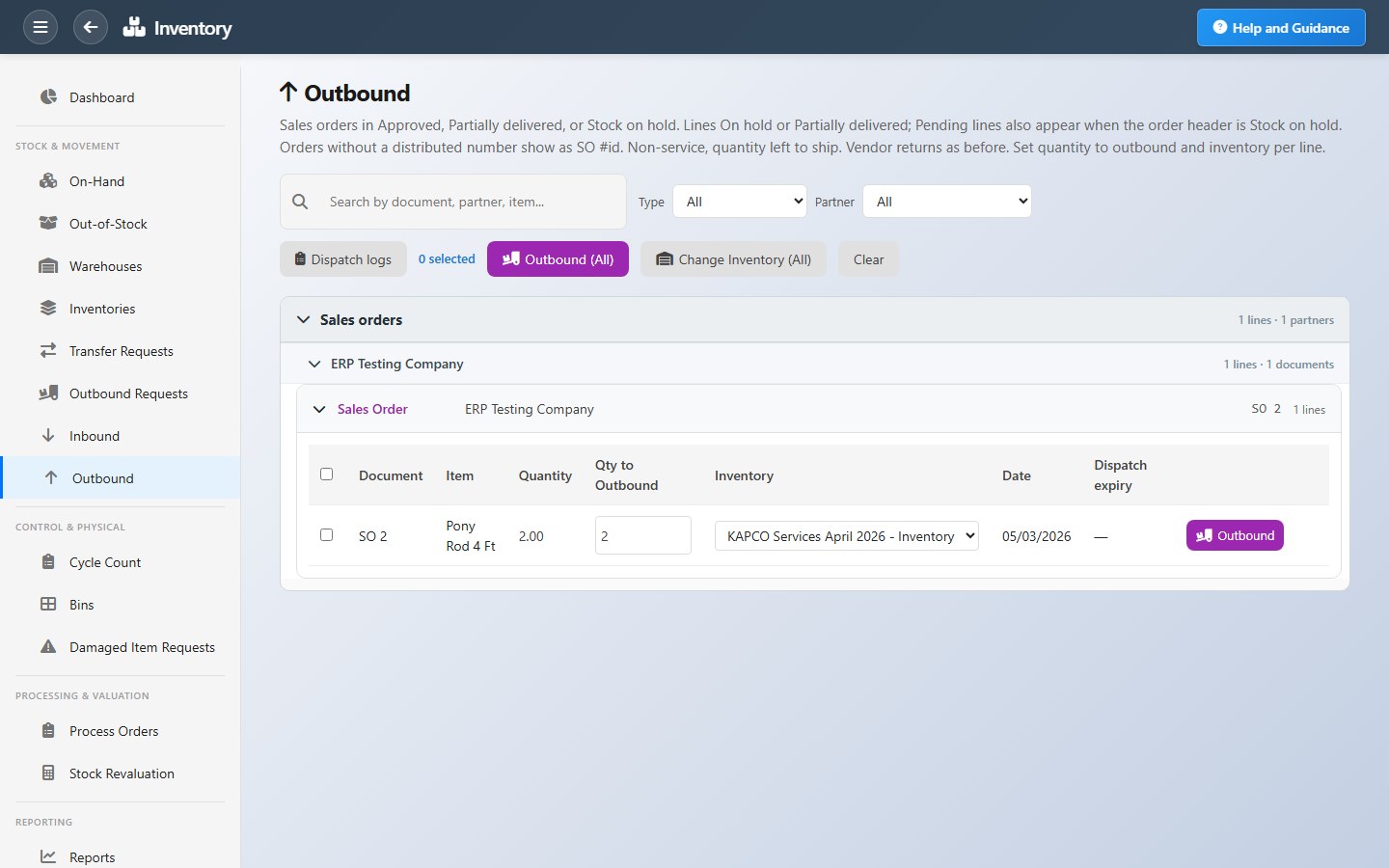
Roll out one region or a handful of sites first. Prove the material control loop—request → order → receive → issue → cost—then scale. Expanding too many sites before the masters and project codes are clean only multiplies noise.
Contractors who already run finance in PerfectoERP gain the most when site materials join the same company. The trial balance stops competing with a separate stock workbook, and subcontractor payables stop living outside project visibility.
Without PerfectoERP vs with PerfectoERP
Site Excel + HQ finance
- Job cost unknown until month-end
- Progress bills re-keyed from certificates
- Material issues without project codes
- Subcontractor claims outside the ledger
PerfectoERP for contractors
- Projects, cost, purchasing, billing linked
- Retention and progress on the project
- Site materials on the same codes
- Same trial balance for site and finance
What to remember
- Evaluate construction by business outcomes—not by how many workshops a vendor schedules.
- Look for capabilities that connect documents, postings, and permissions on one company.
- Use IVA on live screens within your security model—credits are included per user on your plan.
- Explore related modules and Pricing when you want to go deeper or launch.
Keep exploring
“Site materials and subcontractors in one ERP” is meant to deepen how you evaluate PerfectoERP—benefits, features, and how the pieces fit. When you are ready to experience it on your own company, open Get Started or Pricing.
Related on PerfectoERP